Map Mountain
Upload ginormous images to use them as maps in LegendKeeper.
Right-click a map to create a pin. (Try it on The Realm of Tutoria.)
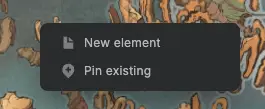
You can also drag an element from the left sidebar onto the map to create a pin!
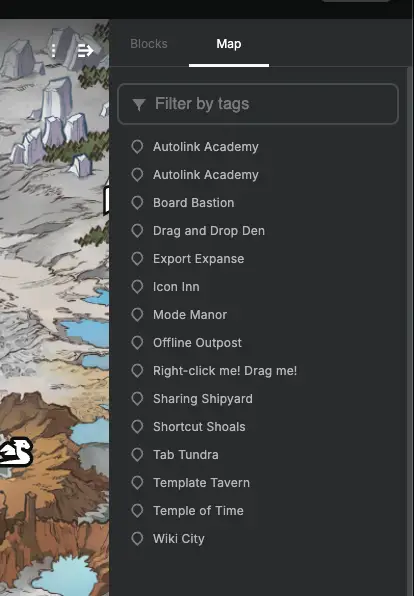
On a map, open the right-sidebar and select the "Map" tab to view a list of pins. Try it on The Realm of Tutoria.
Click an entry in the pin list to zoom to the pin.
Double-click a pin on the map to navigate.
You can even filter by tags to pare down the pins shown on the map.
In the bottom right map toolabr, use the Pin Lock (far left) to enable pin dragging. Use cluster mode (second from left) to have pins cluster as you zoom out.