
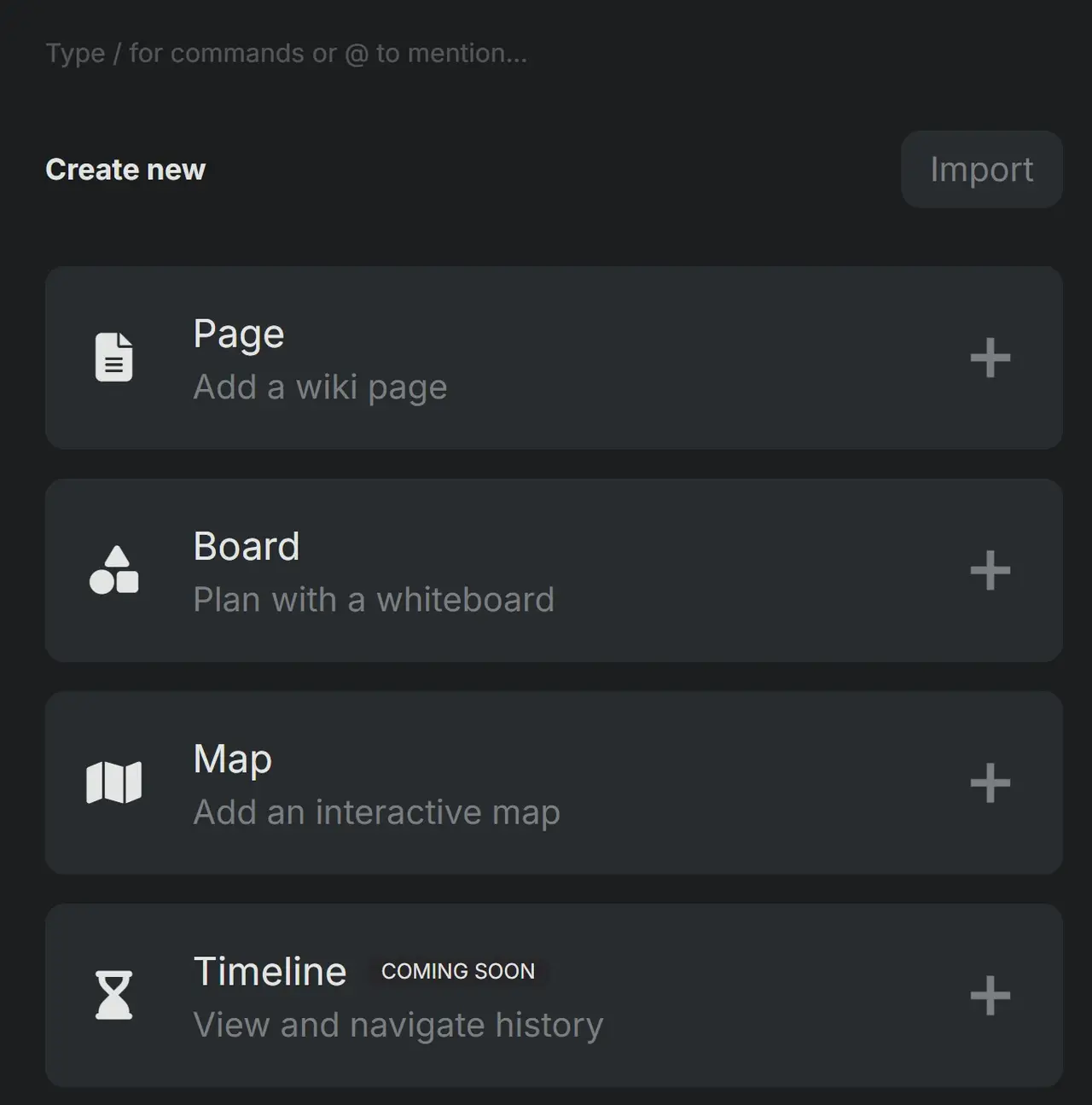
To create a board, click "+Create" at the bottom of the left-hand column. When the new page opens, give it a title and select "Board".
Once you've made the board, you can use the menu at the bottom of the page to add sticky notes, text, icons, images, and even draw.
These boards are fantastic for brainstorming, creating outlines, building ancestorial trees, showing relations between characters or between characters and events, etc.
You can type, draw, use images, create shapes, and make truly complex family trees, relationship diagrams, storyboards, or even detailed menus to link everything in neat boxes (as shown in the example).
TAGS