
LegendKeeper's largest update to date is done! (Once we squash any bugs :p) I’m super proud of the features in this one. This was a huge, complex update, but everything gets easier from here. Thank you so much for you patience and support!
Overview:
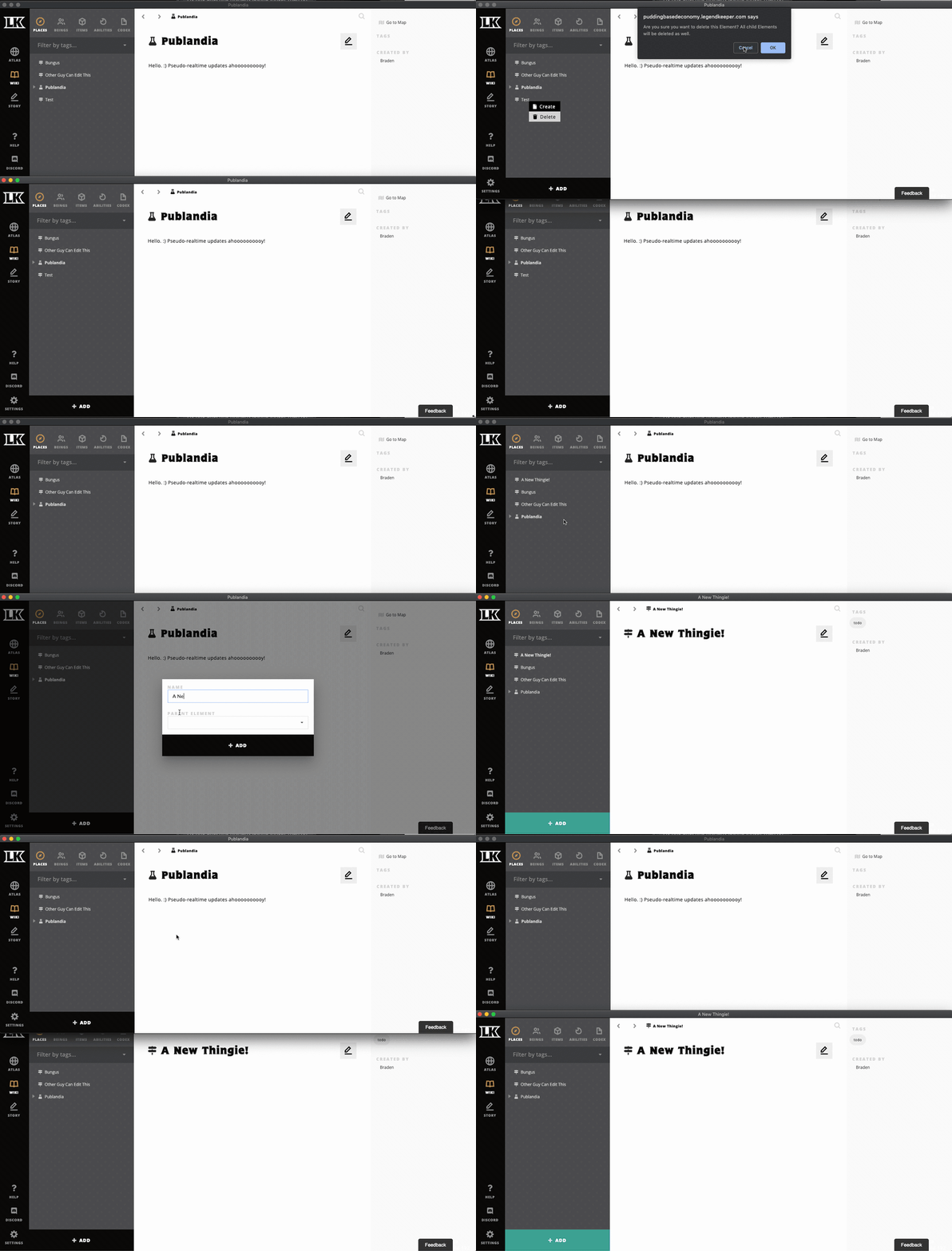
LegendKeeper clients now refresh most data in near-realtime.
Granular permission settings for articles across your project. A great way to hide parts of your project and build a world full of secrets.
UI upgrades for many dialogs, menus, and the pin editor.
Re-vamped client upgrade process, so no more “restart your browser” nonsense.
What’s next after Cerberus?
Pin Permissions (Show/Hide)
Tag permissions (Show/HIde)
Block permissions within document (Show/Hide DM-only text, etc)
Activity log
Better mass-management of permissions
User groups
Build Notes
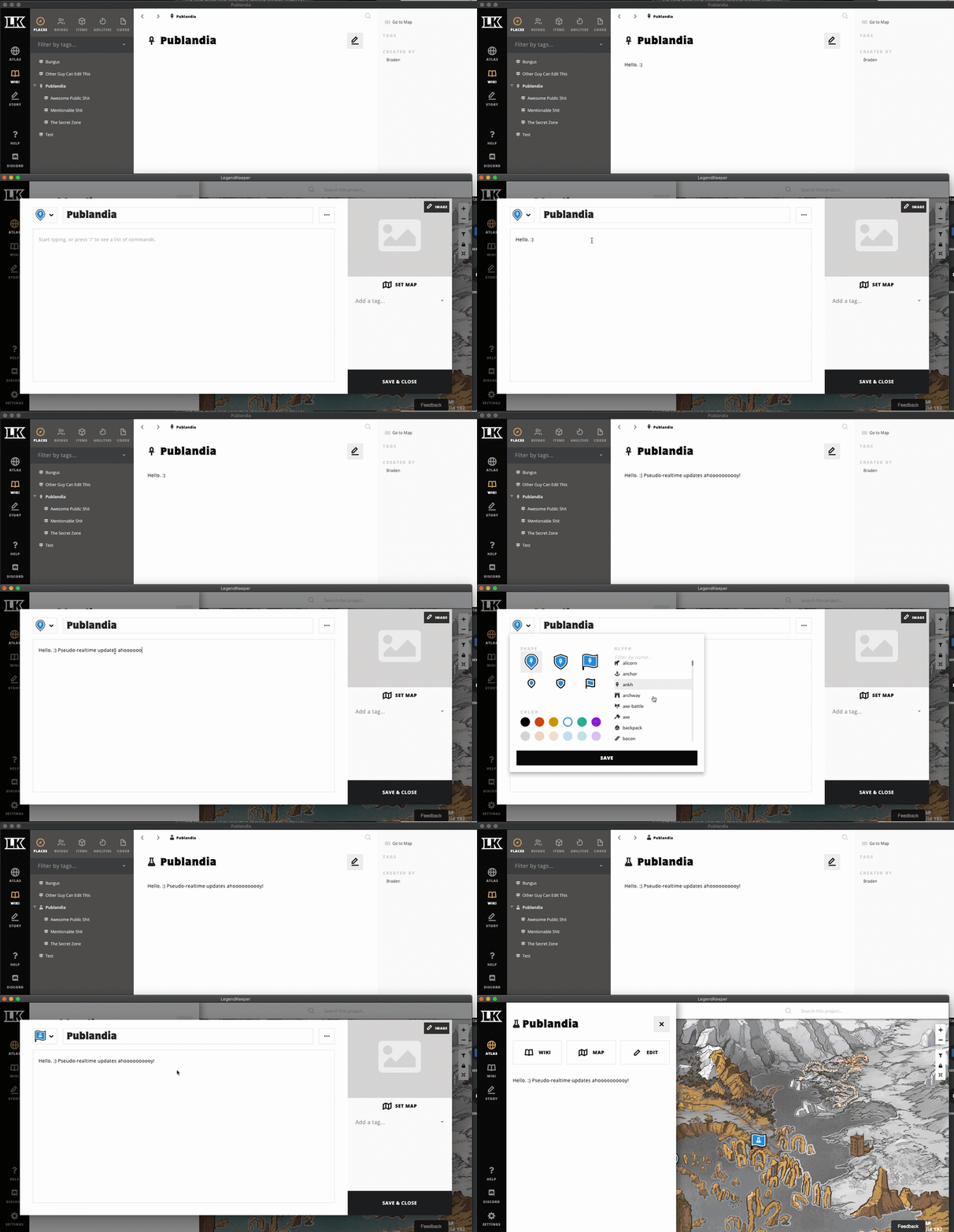
Realtime updates for certain parts of the app
Updates to articles titles, tags, content should occur in real-time.
Updates to pin location should occur in realtime.
Updates to world global permission settings should occur in real-time.
Addition and deletion of articles should occur in realtime.
*** WARNING: THE EDITOR ITSELF IS NOT REAL-TIME YET ***

Sharing and Permissions
Beta invite cap raised to 10.
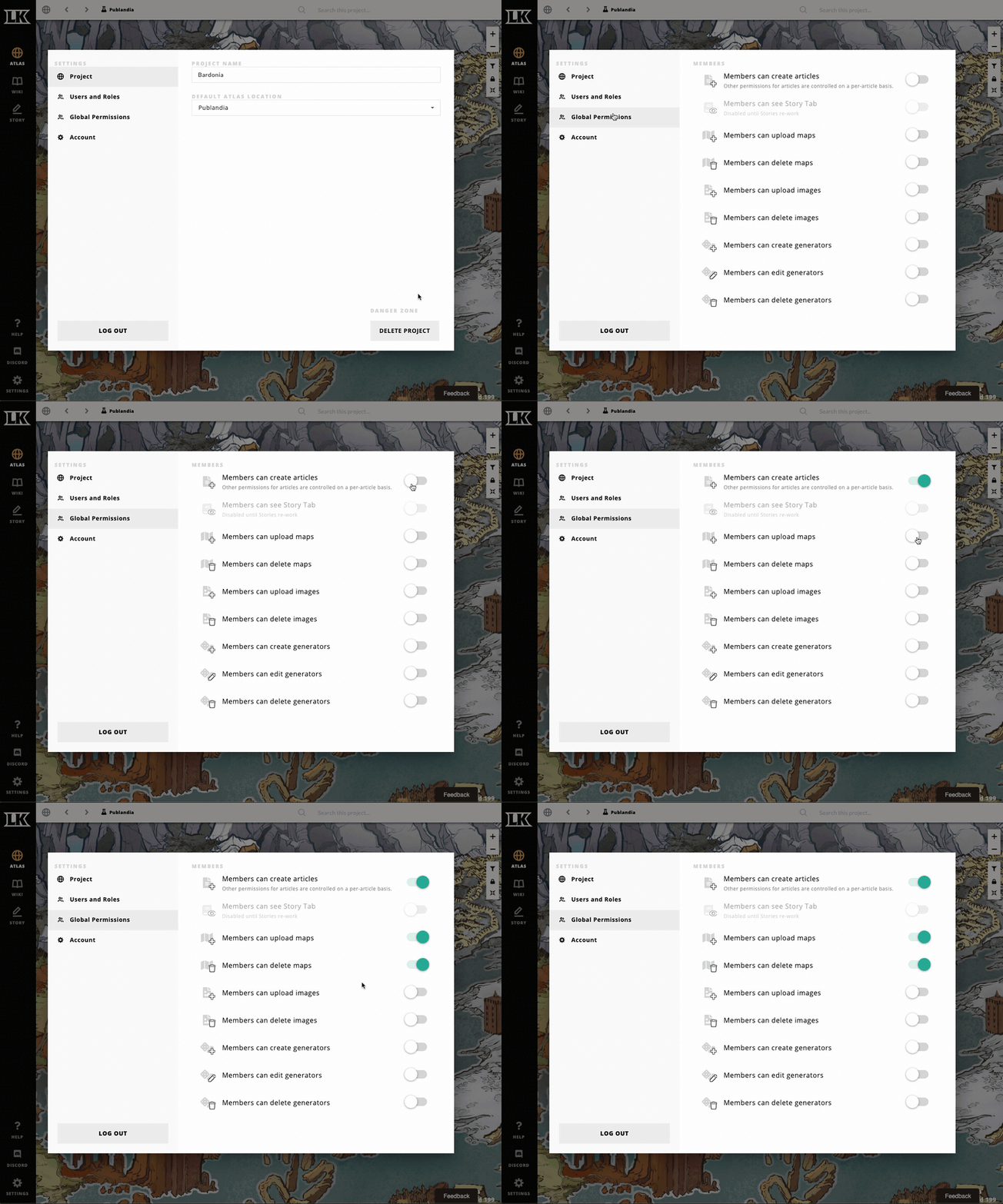
New role: Member.
Permission options for new Role: Member.
Members can create articles
Members can upload maps
Members can delete maps
Members can upload images
Members can delete images
Members can create generators
Members can edit generators
Members can delete generators
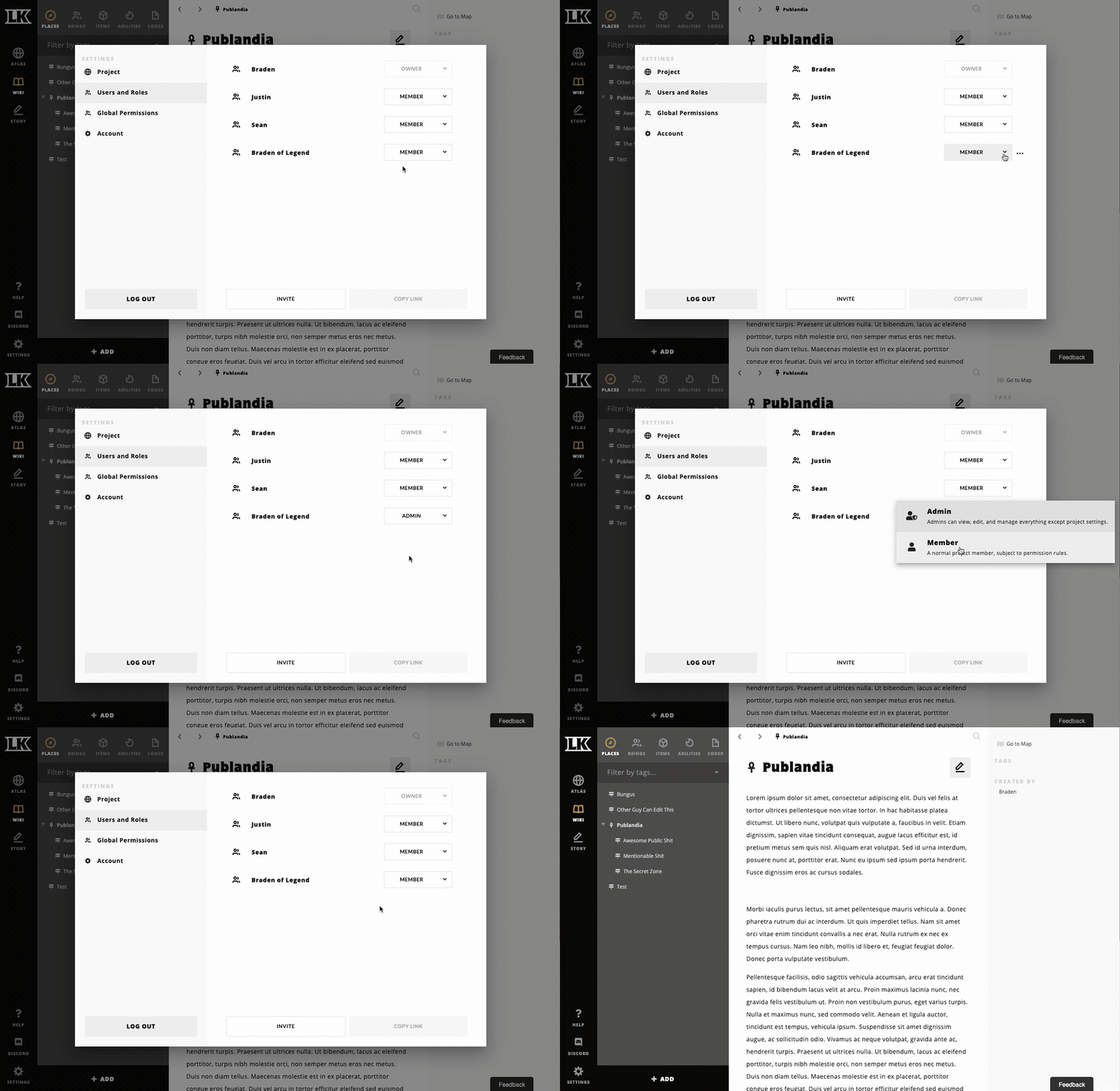
For user holding Owner role, Settings > “Users and Roles” now allows assignment to “Admin” role, or “Member” role.
Admins can access all articles and assets; cannot change world name, delete the world, or invite others to the world (for now).
Members are subject to permission rules.
Due to issues with Story page implementation, Member access to Stories is completely disabled. This will be fixed soon.
Article Permissions
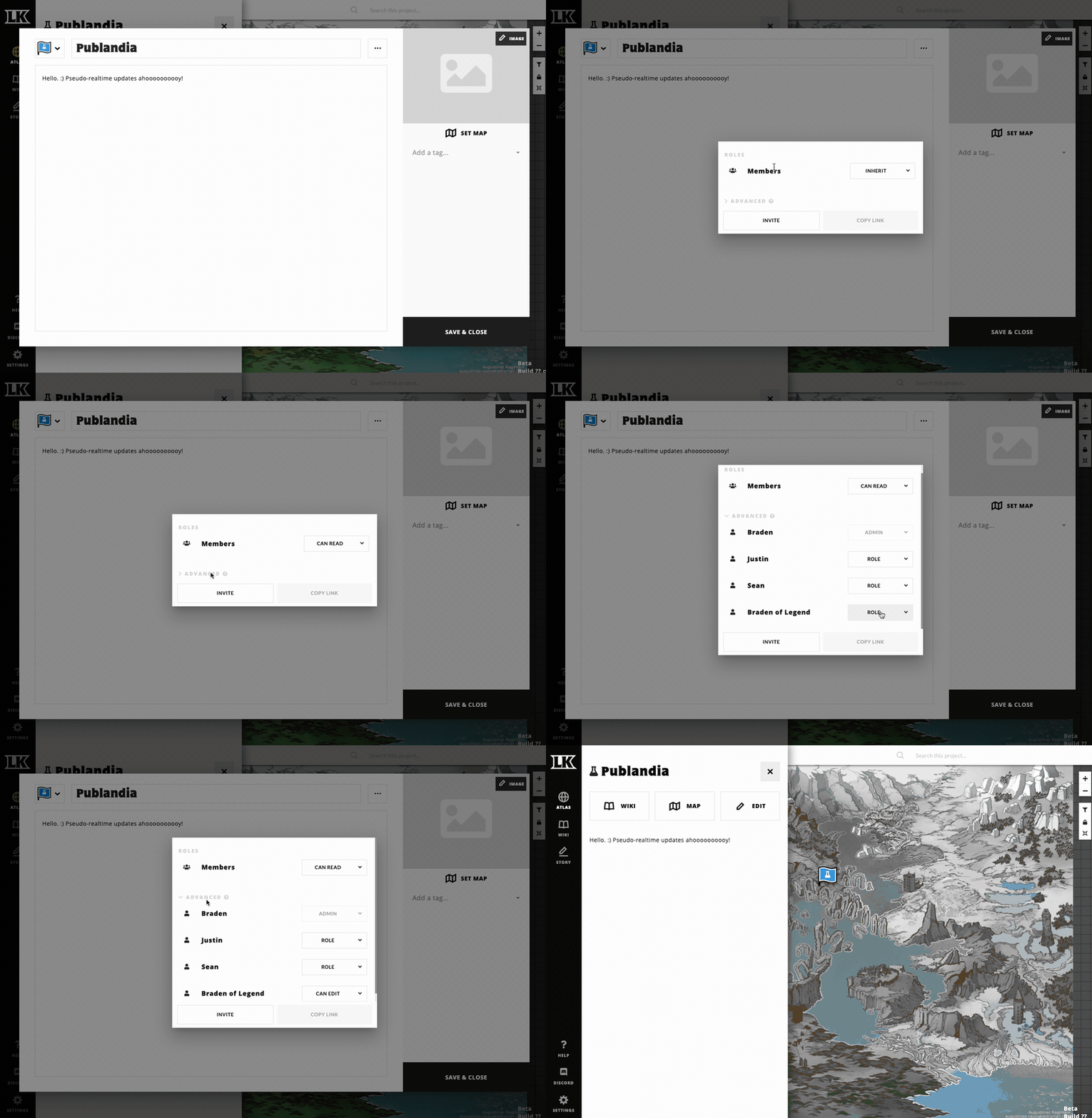
There are now 5 access settings available for Member Role->Article pair.
Full Access: Can view, edit content, and access sharing settings for article.
Can Edit: Can view and edit content.
Can Read: Can view.
No Access (Special Property): Cannot view in atlas, wiki, search, @-mentions, or Mentioned-In; blocks all access to sub-articles regardless of sub-article settings.
Inherit (Special Property): Inherits access setting from immediate parent. If immediate parent is also INHERIT, continues up parent chain until no parent found. If no parent found, defaults to CAN VIEW.
There are now 5 override settings available for every User->Article pair. (Advanced).
Full Access: Can view, edit content, and access sharing settings for article.
Can Edit: Can view and edit content.
Can Read: Can view.
Inherit (Special Property): Inherits access setting from immediate parent. If immediate parent is also INHERIT, continues up parent chain until no parent found. If no parent found, defaults to CAN VIEW.
Role: Defer to role’s setting. (Default)
You can override a Role permission with a User permission. This is useful, for example, if you are a DM and you want each of your players to have a character page where they can put their character’s backstory. You can set the Member role globally for these pages to CAN rEAD, and then set a CAN EDIT for each user that corresponds to each character wiki entry.
Client upgrades
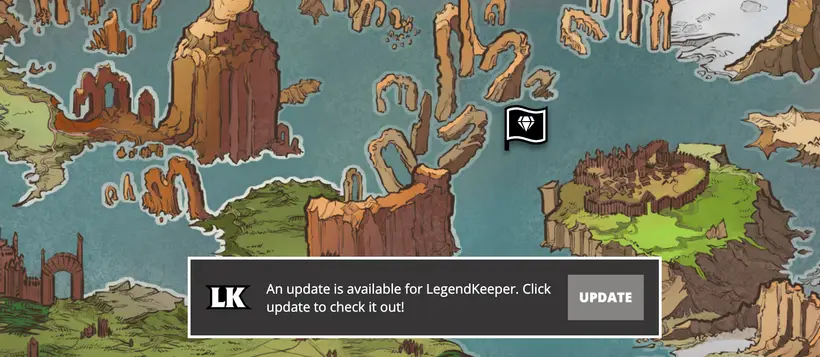
Re-vamp upgrade process; no more “restart browser to update”; just hit the Update button.
Upgraded downloadable client code; should reduce issues with Firefox and Safari.
Don’t clean caches of old versions; this should reduce Firefox White Screen of Death, but will slowly bloat your local LegendKeeper client over time. I will figure out a solution for this; in the meantime, clearing your cache will remedy it if it gets too big for your liking.
UI upgrades
Converted 85% of dialogs to a newer, more powerful modal library.
New modal library should be less jumpy on Safari.
Introduced new popover menu component for slicker interactions.
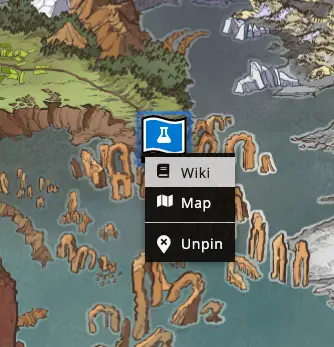
Upgraded Pin Editor UI
Upgraded Role Selector UI
Upgraded Permission Selector UI
New wiki context menu styling
New animations for most dialogs and menus.
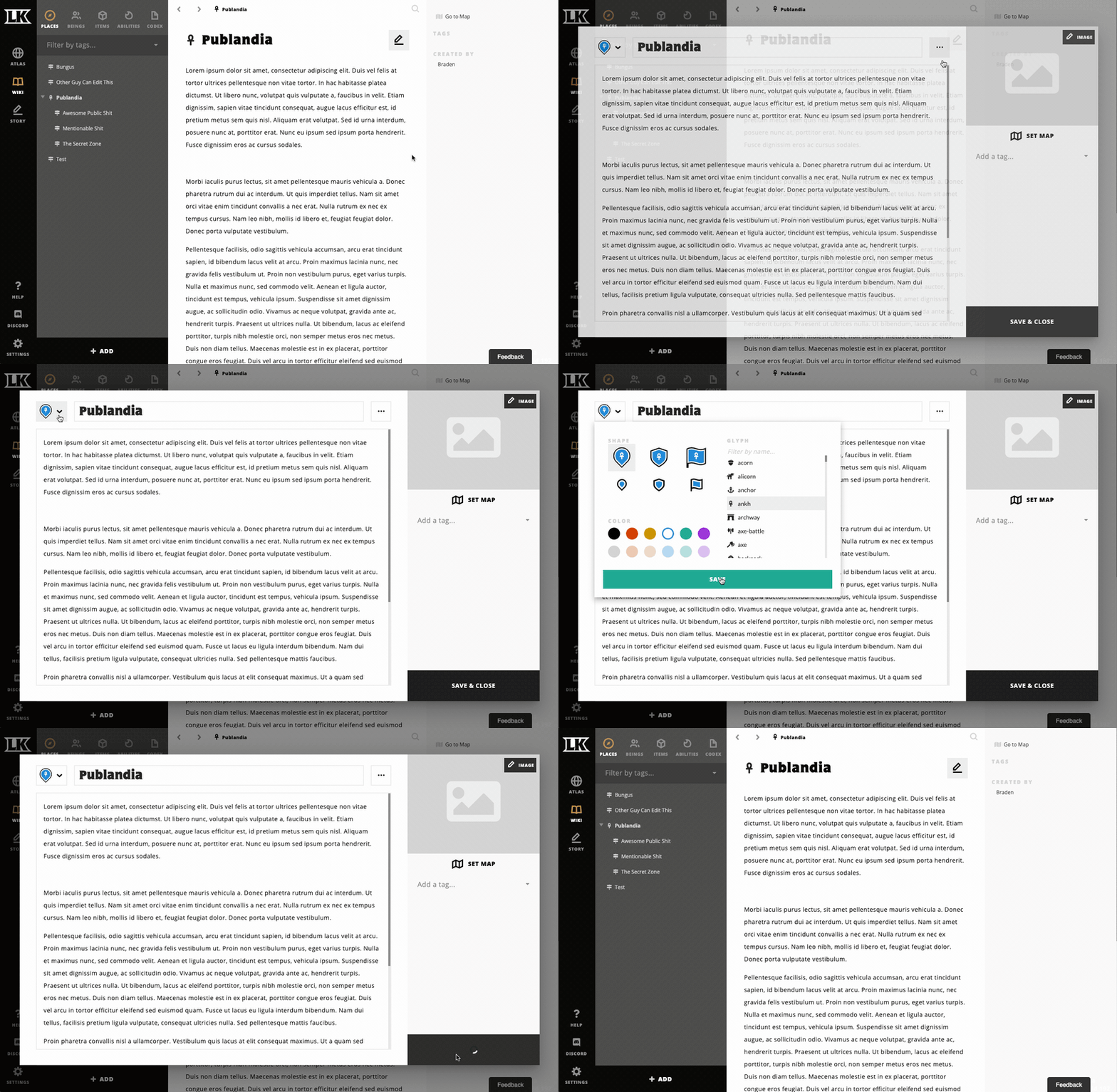
New items in pin context menu
Bug fixes
Don’t show context menus if interacting user can’t take any actions on the target object.
Fix bug that occurs in map search when multiple map pins of the same article result in duplicate search entries.
Add slightly better 404 experience for unauthorized access to pages.
Fix map naming bug that occurs when pre-filled name from file is very long.
Known Issues
All of these new features are disabled for the Story Tab until I re-do the underlying implementation. Members cannot view Story Tab at all.
The autolinker doesn't have knowledge of permissions; this will take some work. Someone can autolink an article they don't really have access to, but can't navigate to it once they do.
Managing permissions is a little tedious as it is; expect UI to expedite the process.
Sometimes the realtime update socket loses connection and fails to reconnect. Navigating around or refreshing should fix this.
What’s next?
Pin Permissions (Show/Hide)
Tag permissions (Show/HIde)
Block permissions within document (Show/Hide DM-only text, etc)
User groups
Activity log
Better multi-management of permissions