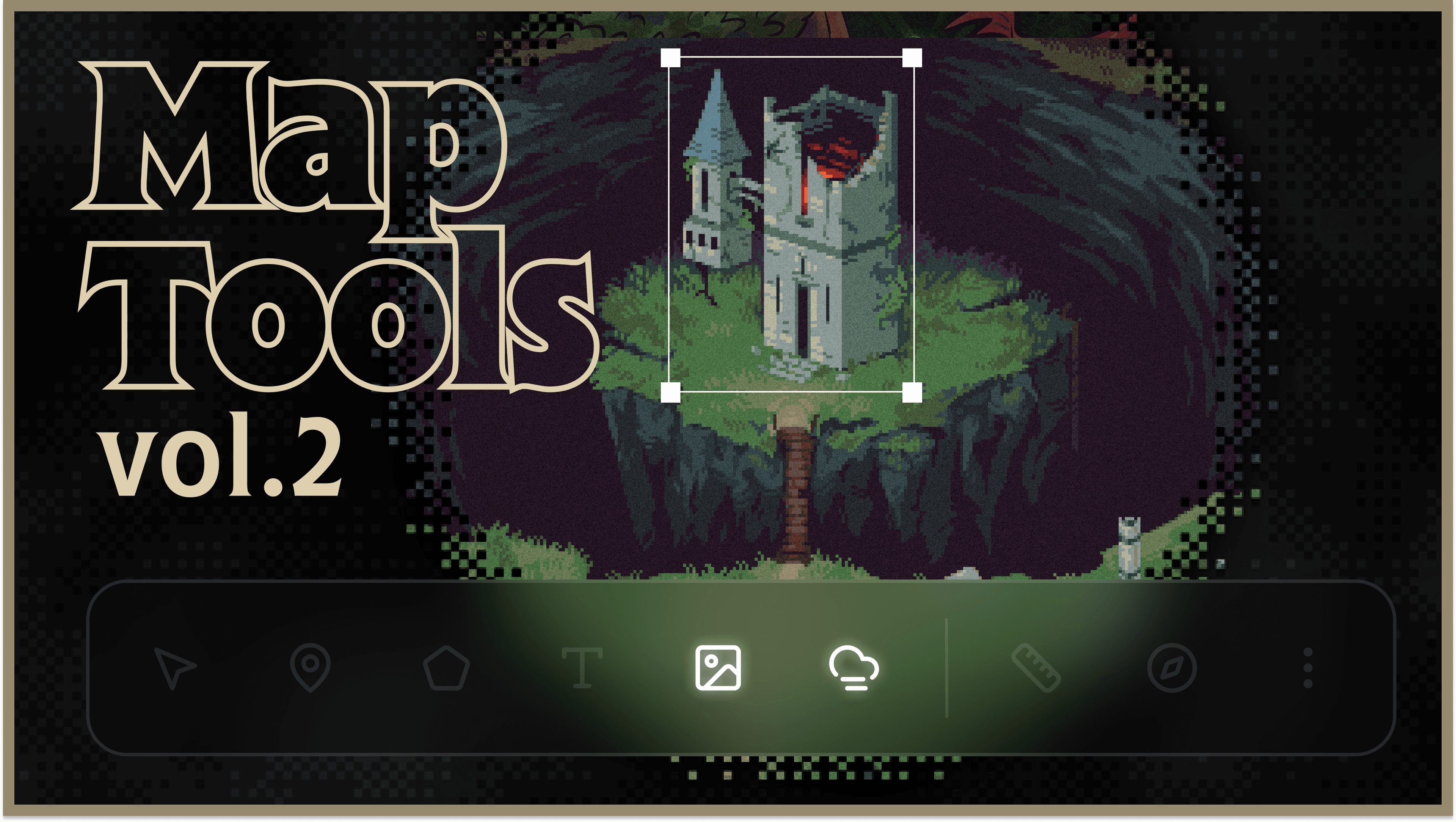
Map Tools Vol. 2 is here! Vol. 1 was all about regions, paths, labels, and travel. This time around, it’s all about FOG, baby. And images. And a couple other things.
Fog of war

Hit the fog button to enshroud your map and hide it from your players. Then use the brush or polygon tool to reveal new discoveries.
The fog panel lets you pick from three styles: Clouds, Retro, and Cutout. You can also set the edge softness, choose whether the base map image shows through, and preview exactly what your players will see. Pins, regions, and other map features stay hidden under the fog.
Image layers
You can now put images on top of your map. Drop one in from the Assets panel, upload one, or use the image button in the toolbar. Then move it, scale it, crop it, or fade it with opacity.

You can also give an image a zoom range, so it only shows up when you zoom in. Zoom into a city on your world map and its detailed street map appears. Zoom into an ominous mountain and there’s the dungeon. And in LK tradition, stupidly large images work too: anything over 2048px uses the tiling engine.
You can also filter the map item list by type and tag.
A little spice for your pages
Some new editor features:
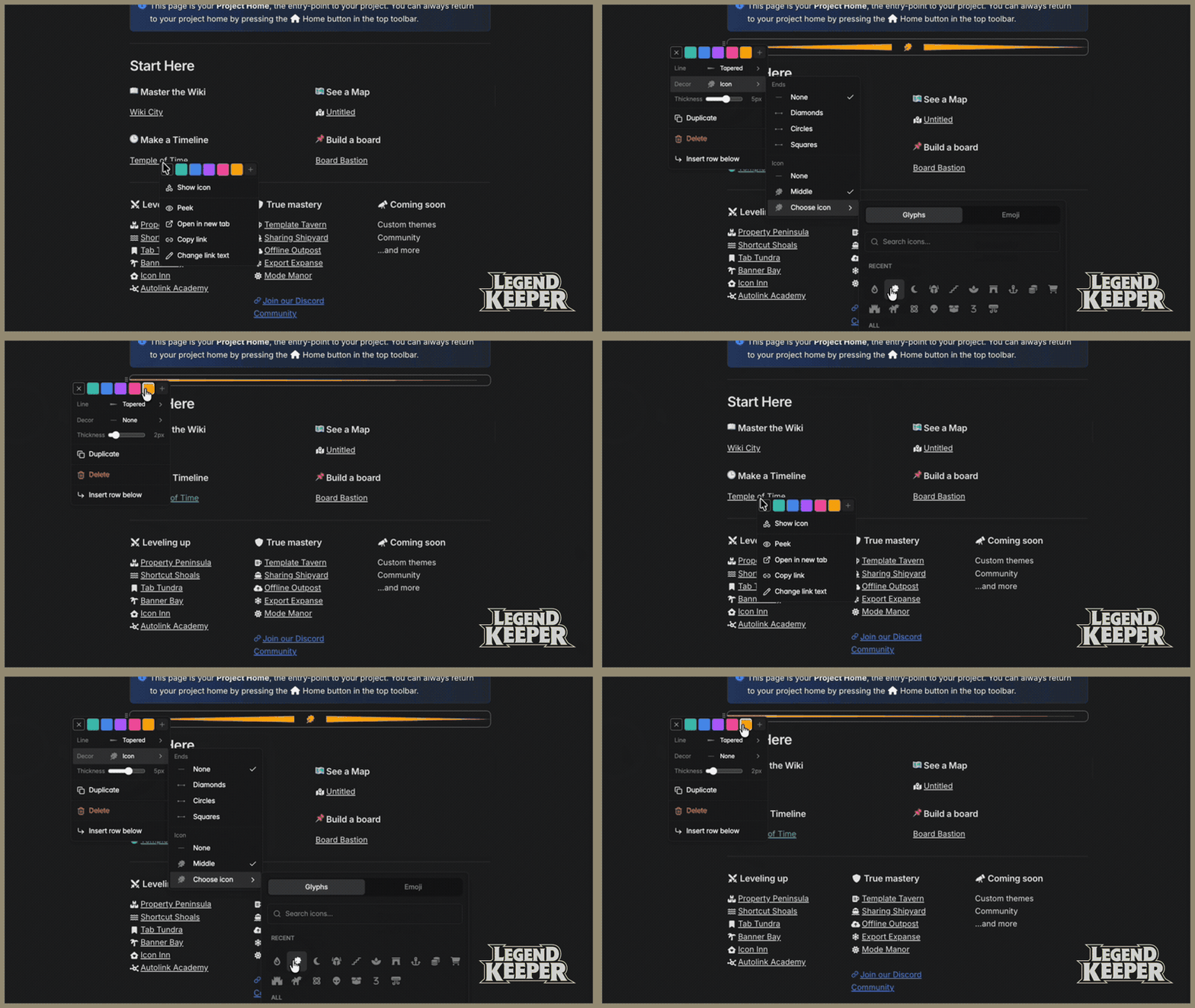
Decorative dividers: solid, dashed, zigzag, wiggle, tapered, gradient, or a repeating icon, with color and thickness options.
Justified text.
Colors and icons for @-mentions.
Everything else
Map labels can curve now. There’s a curve slider in the label settings.
Regions have a soft inner glow and new striped and dotted fills.
Freehand regions and paths come out smoother, and you can hold Space to pan while you draw.
Fog for your soggy bog
So that’s Vol. 2!
One thing didn’t quite make it: a new map legend. The upcoming legend feature lets you group map features into layers you can toggle on and off. For example, you could put your map’s political regions on their own hideable layer, or show only pins with a certain tag. It was slated for Vol. 2 but needed a bit more time to bake, so it’s coming in a follow-up update soon. Finally LegendKeeper will fulfill its promise of letting you keep (map) legends.
Check out the full changelog here!
Happy worldbuilding!
 By Braden Herndon