Volume 1 was for cleaning house, Volume 2 is where the fun begins. Introducing infoboxes and property blocks for fast facts, image tools for building layouts, and a proper table of contents.
This update reflects the heart of LegendKeeper’s mission: empowering DMs and fantasy writers to create beautiful campaigns and worlds without wrestling with clunky tools and platforms that weren’t built for them. We can’t wait to see what you make.
Join our Discord to share how you’re using these new editor tools, or to give feedback on how we can make them even better. https://lk.quest/discord.
Infoboxes are here
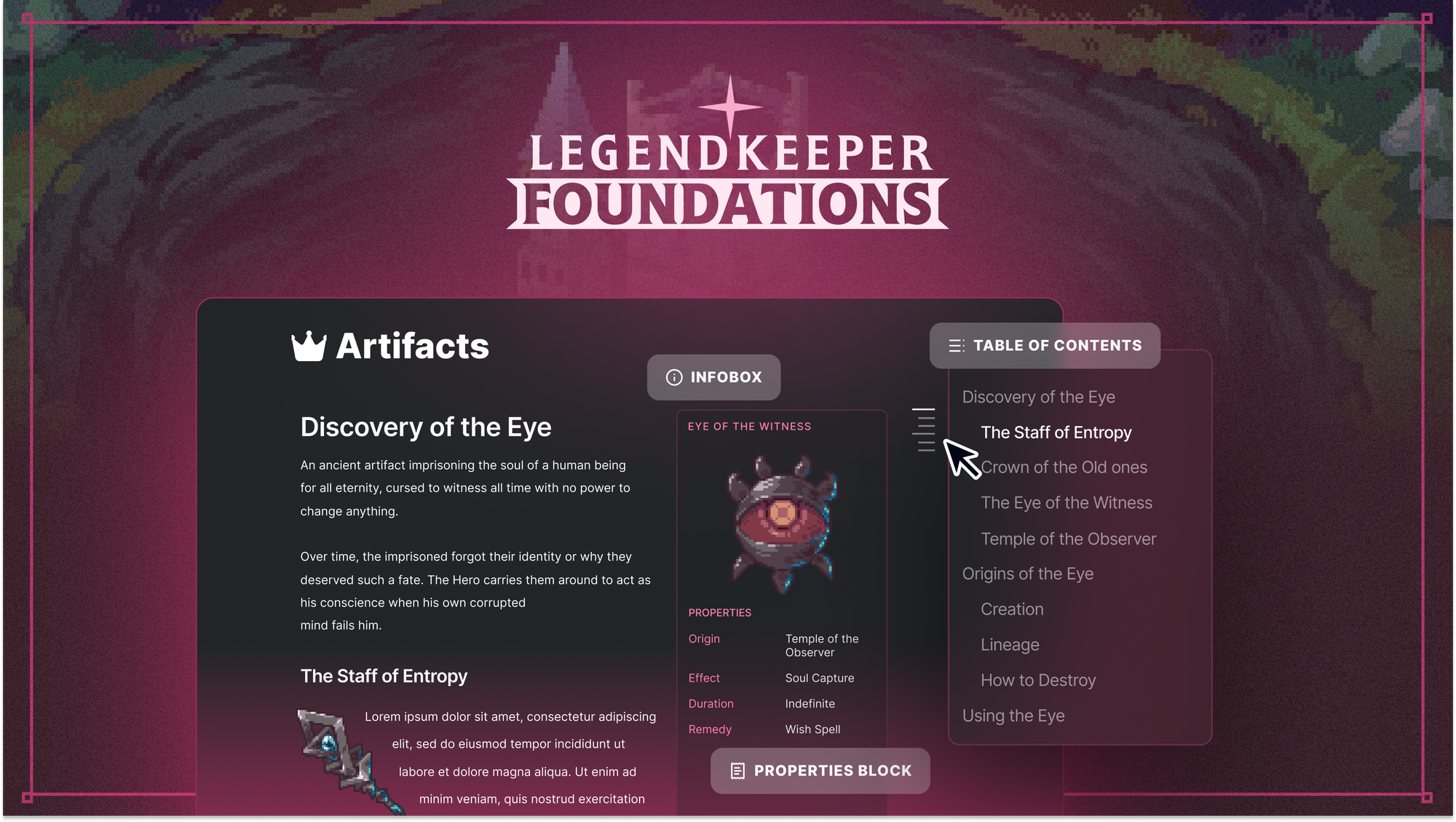
Type /infobox to get a sleek in-page container for organizing profile images, text blurbs, tags, and more. You can nest existing blocks into an infobox by dragging and dropping. You can also change an infobox’s color and pin it to the top. And yes, you can have multiple infoboxes if you’re a real sicko.
The new “Properties” block is the main attraction here: labeled fields you can drop anywhere. Gone are the days of fighting with tables in the sidebar; just make simple fields for stats, populations, faction relationships, etc. You can even use @-mentions in them.

Cut it out
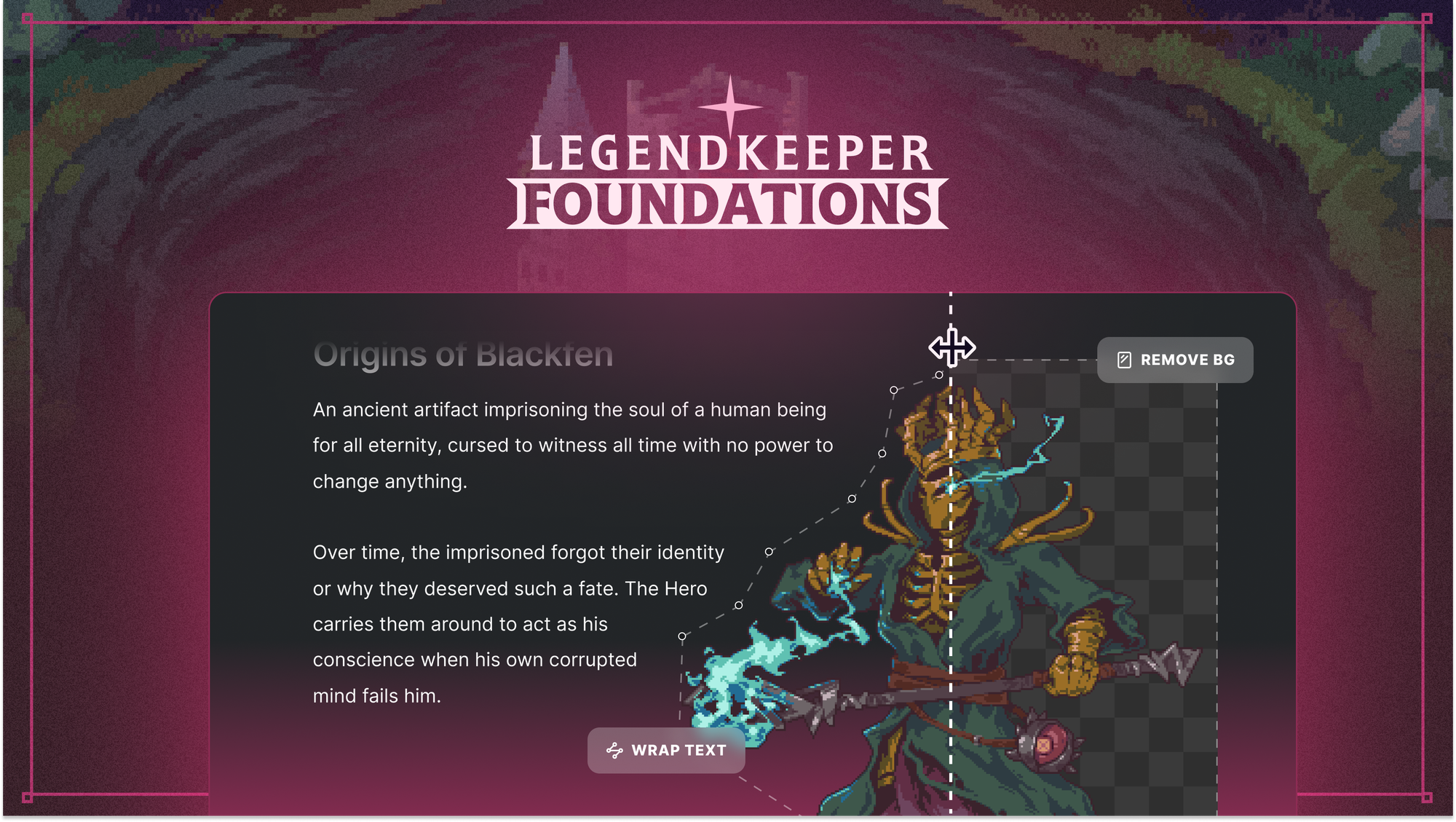
The problem: I want my text to wrap around my images sexily, like a TTRPG book.
Solution: LegendKeeper can now remove the background from your images and wrap text around them. This gives pages a sophisticated, TTRPG-book feel. This works offline and locally in your browser, without any third party services.

Long page, short trip
Every wiki page now has a table of contents rail in the top right, letting you jump anywhere in a document using headings.

See the full changelog here: https://www.legendkeeper.com/changelog/legendkeeper-0-19-1/
See you next time for Volume 3!
TEAM LK

 By Braden Herndon