
Freeform boards for laying out pages and how they connect.
Boards
byBradenUpdated
In this section
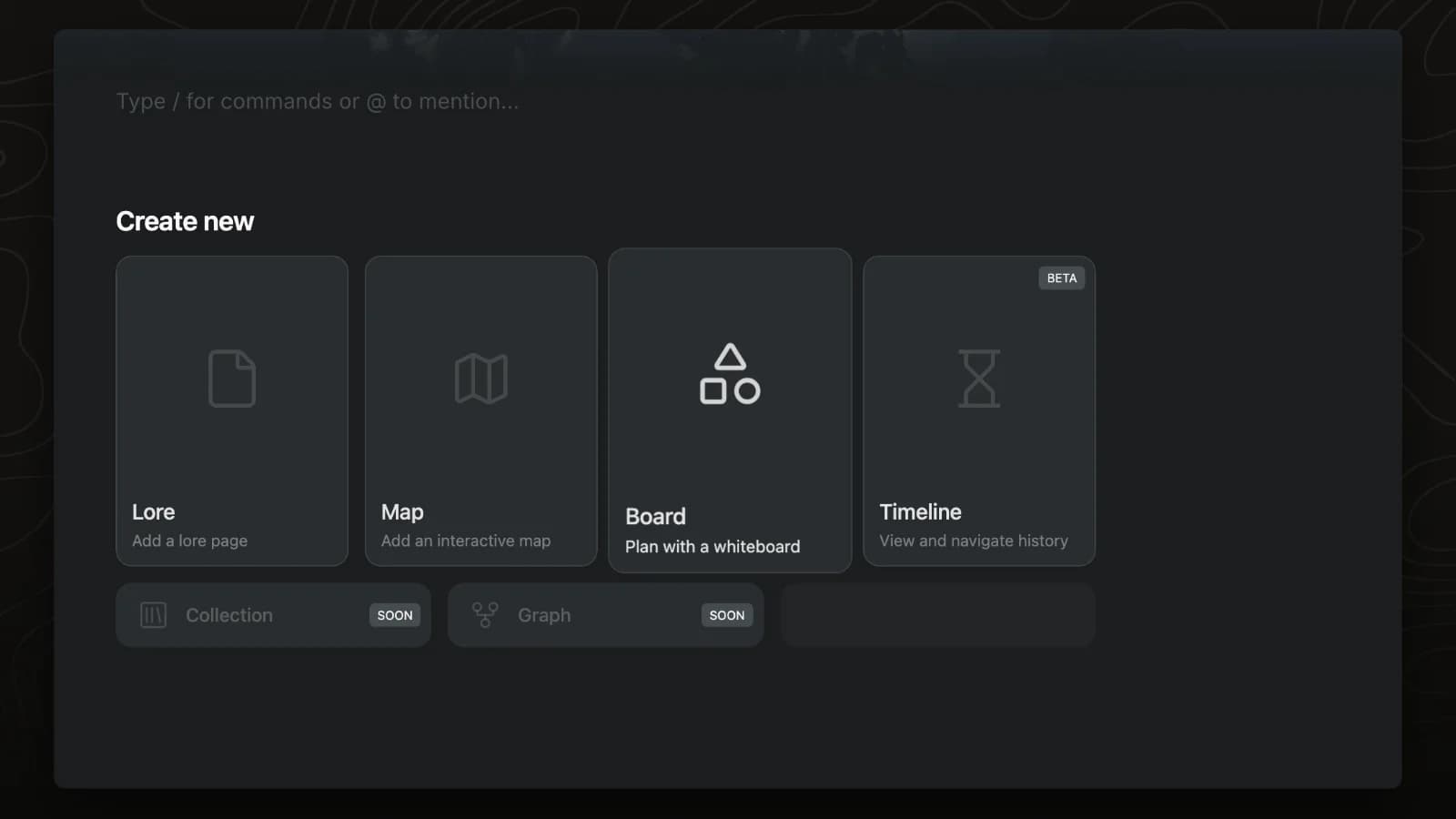
Create a board
A board is a freeform whiteboard that lives in a page tab. This video adds a new tab to the Selenia page and turns it into a board.
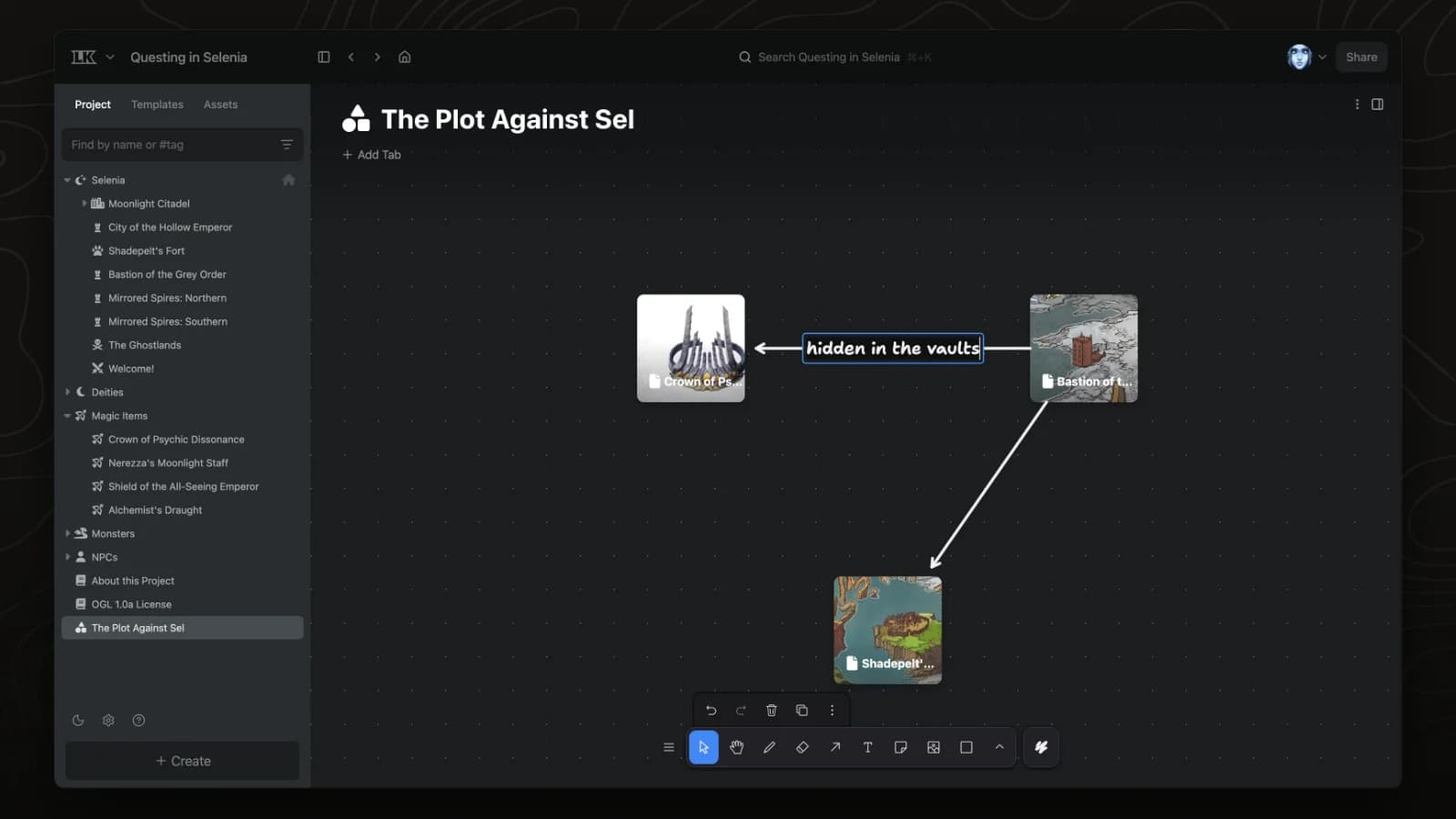
Conspiracy boards
Boards are freeform whiteboards. Drag pages from the sidebar onto a board to lay out the characters, places and items in a plot.
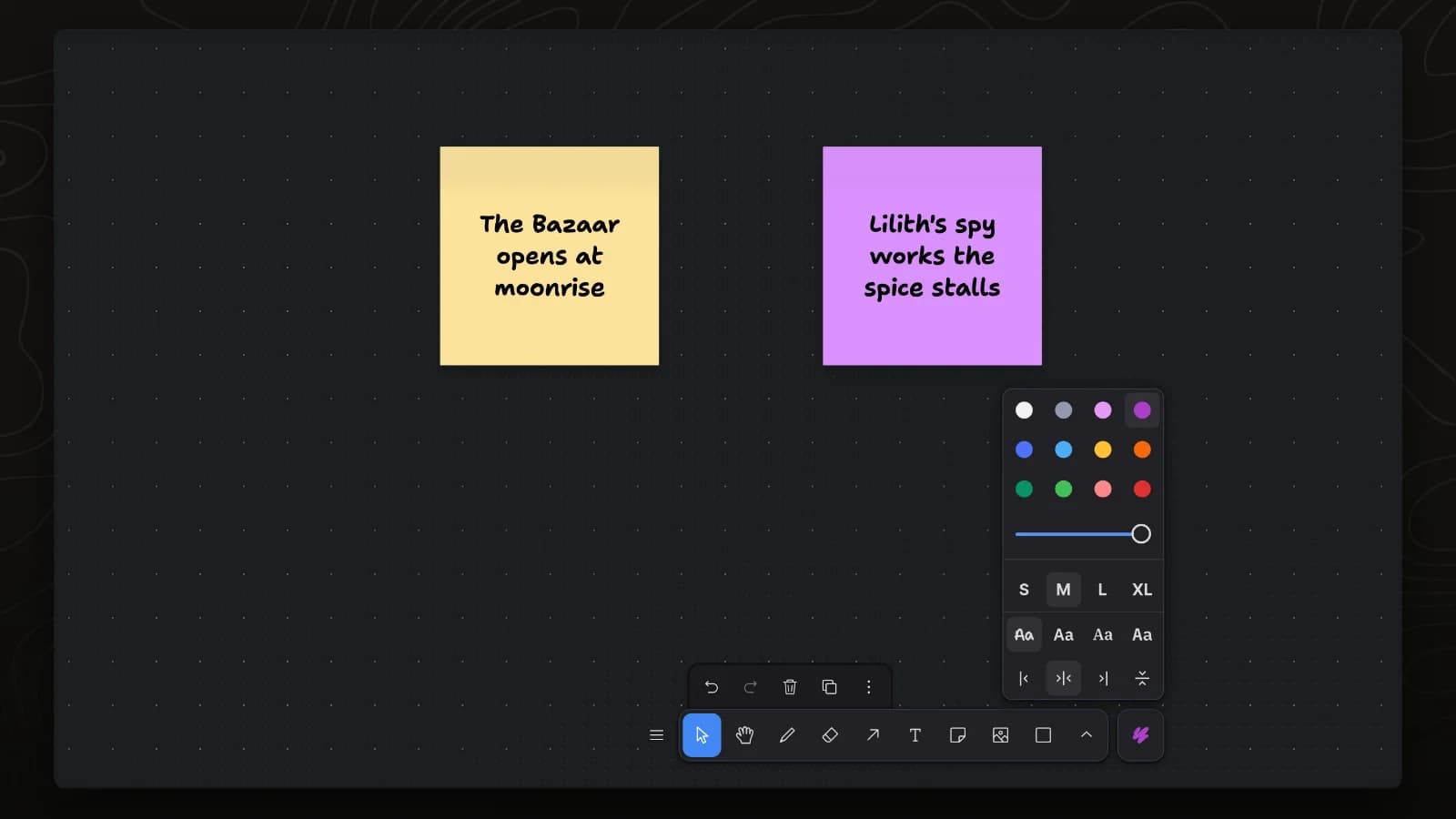
Sticky notes
Sticky notes hold short ideas on a board. This video adds two notes and changes the colour of one.
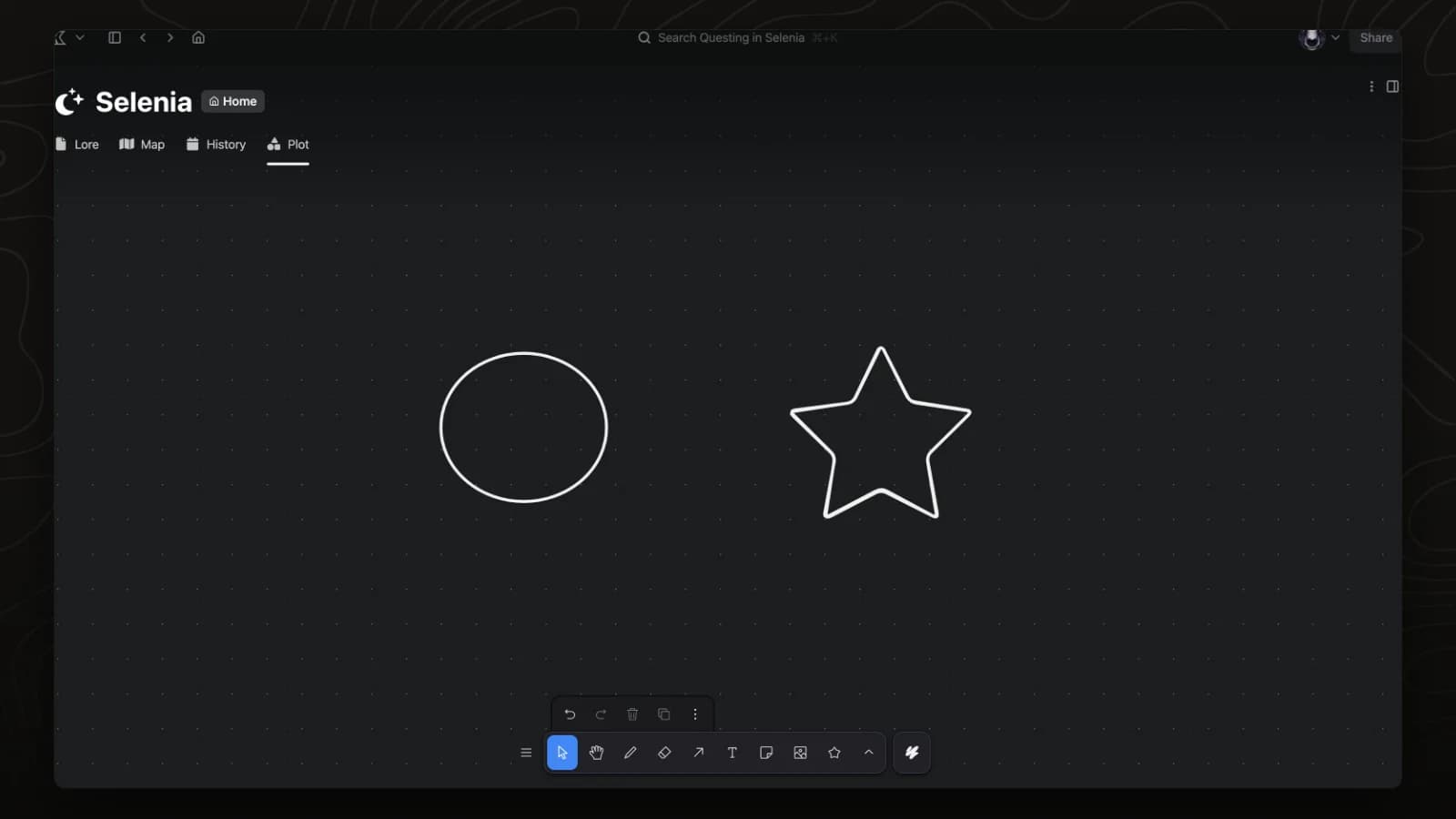
Shapes
The board toolbar draws rectangles, ellipses, stars and other shapes. This video picks two shapes from the toolbar's shape menu and draws them.
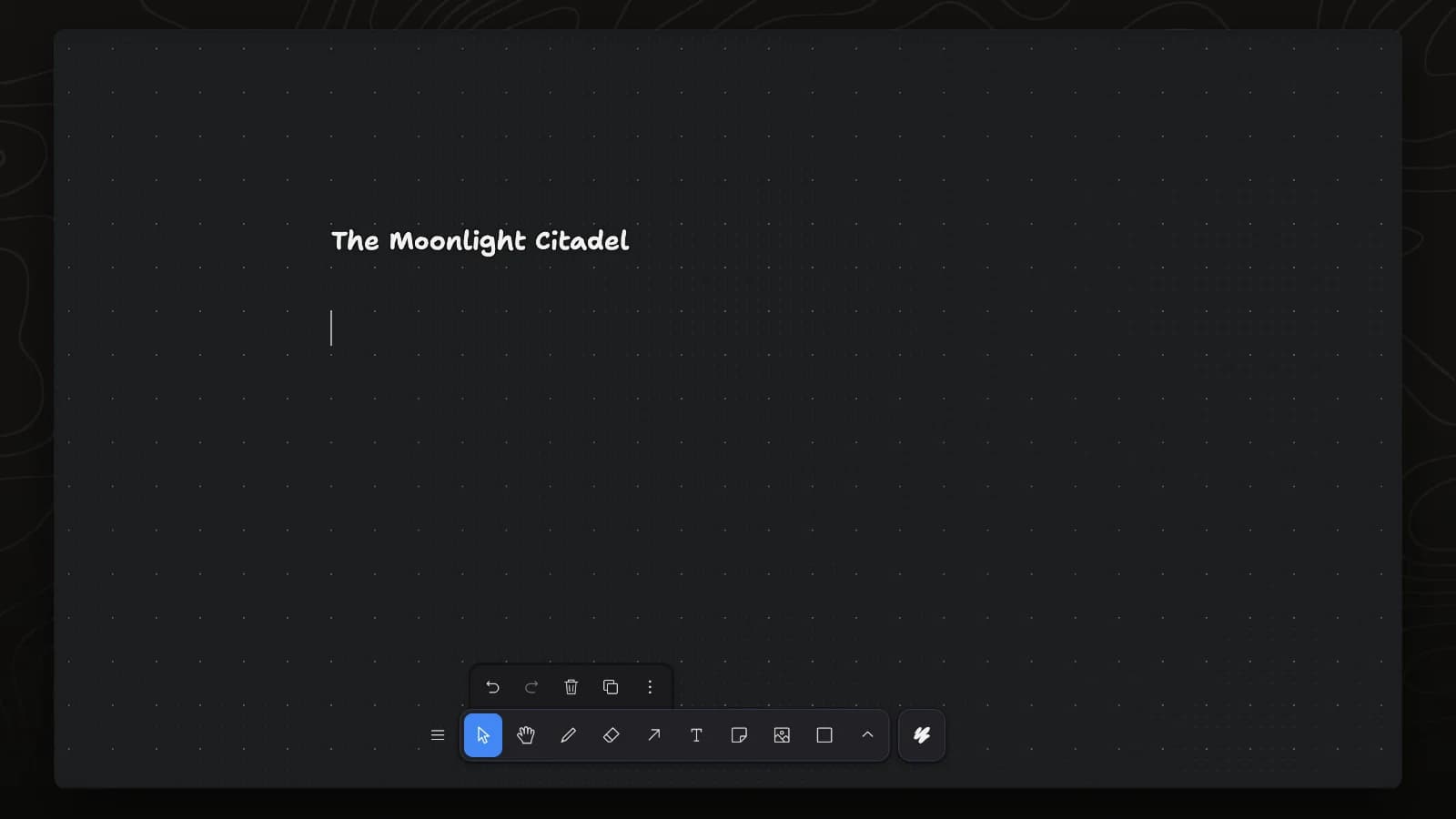
Text
The text tool adds labels to a board. This video adds a title and a line of text under it.
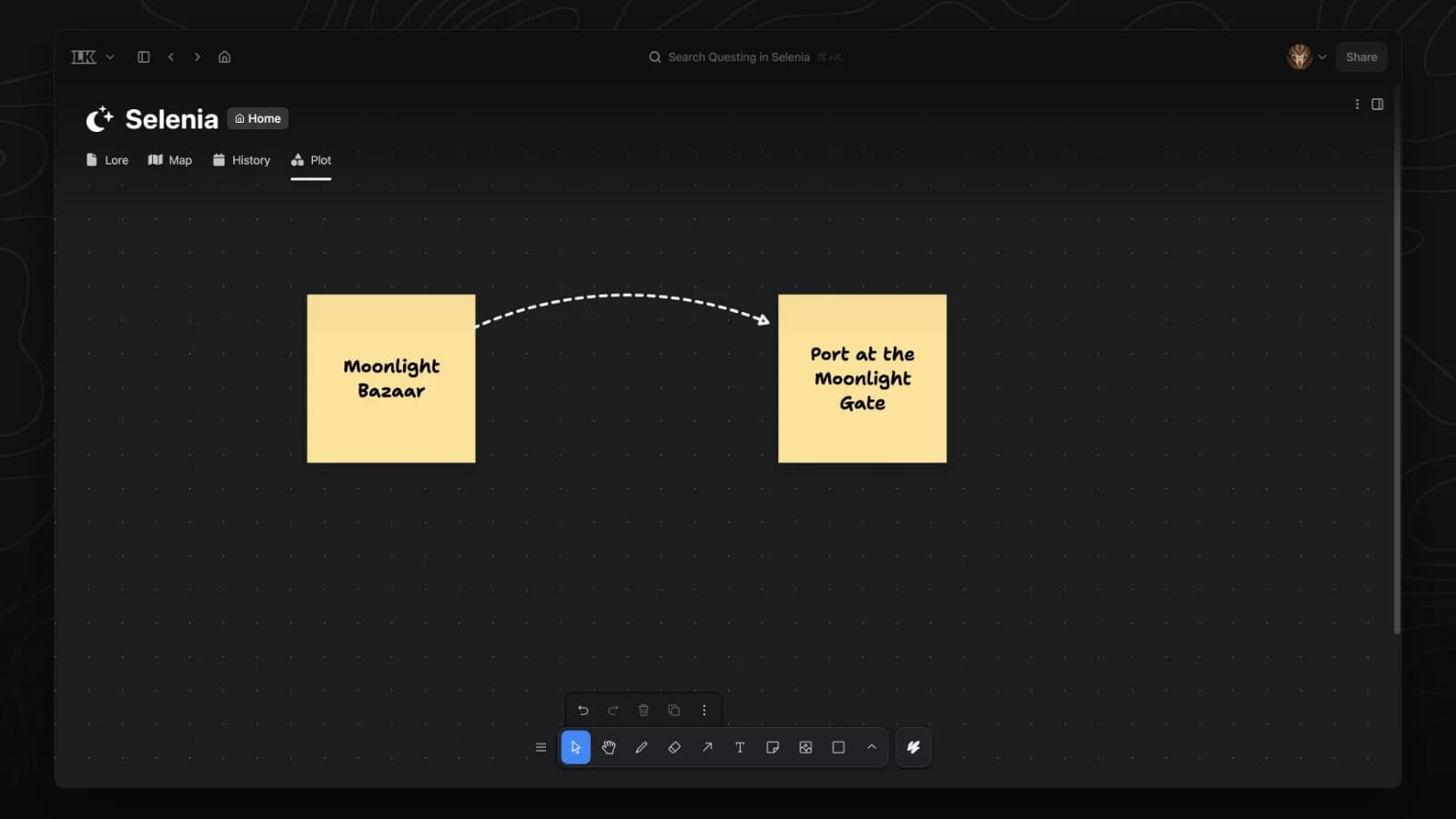
Arrows and lines
Arrows connect notes and shapes on a board and follow them when they move. This video draws an arrow between two notes, changes its line and arrowhead in Styles, and bends it.
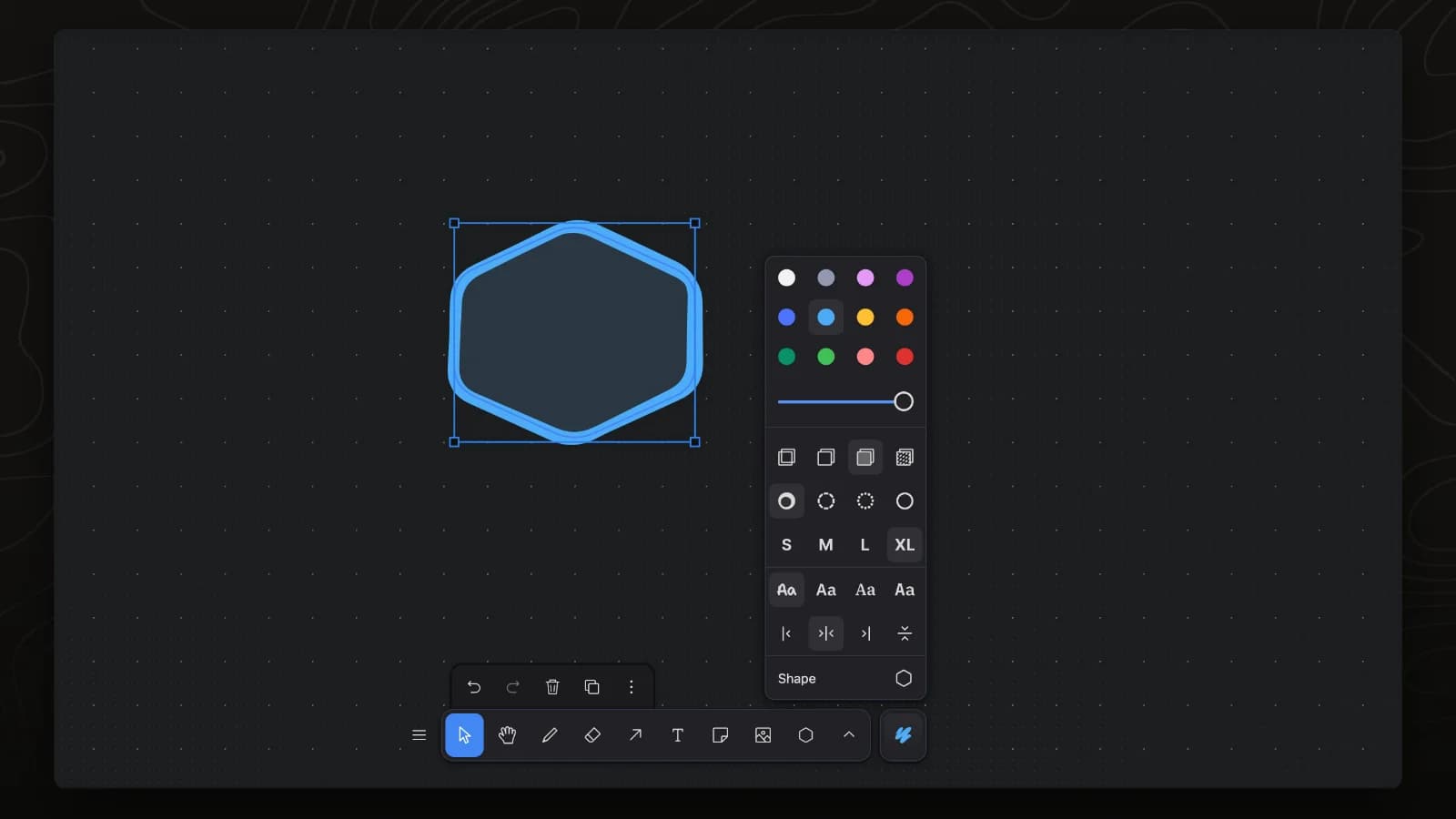
Colours and styles
The Styles panel sets the colour, fill and line size of the selected shapes. This video changes all three on one shape.
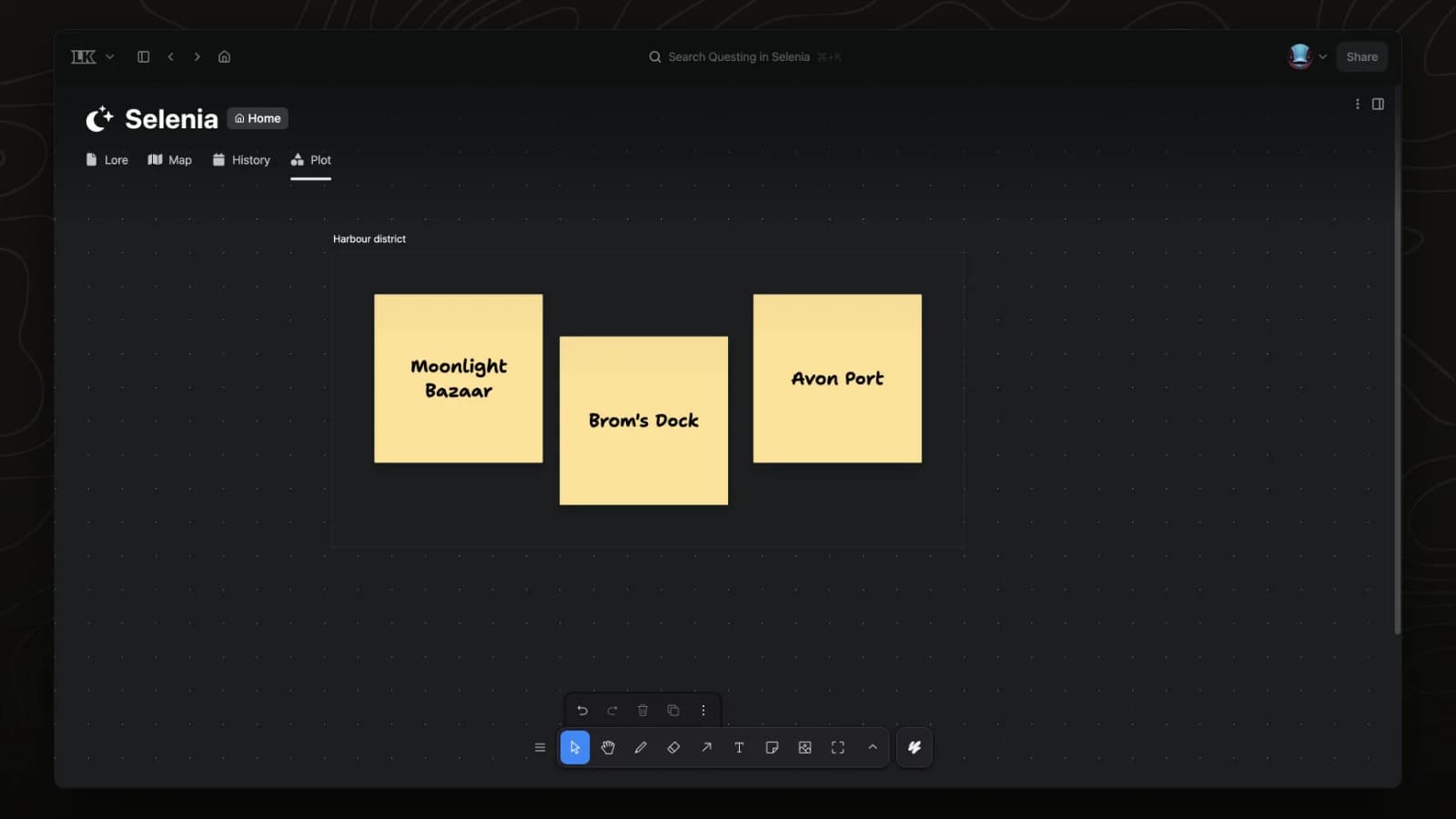
Frames
A frame holds a group of notes and shapes under one name, and they move with it. This video draws a frame around three notes, renames it and fits it to its contents.
Align and group
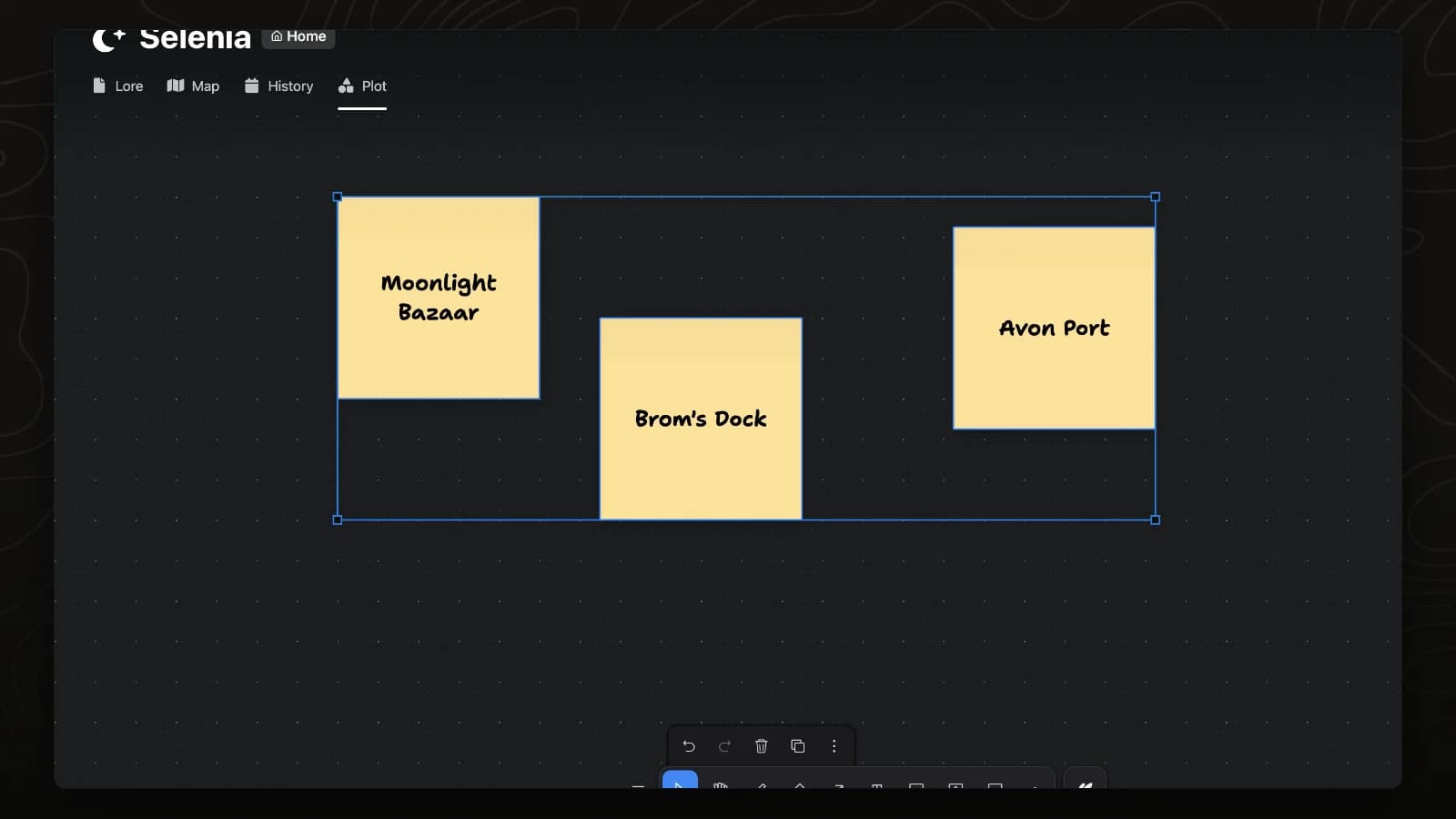
The Actions menu aligns and spaces the selected items, and grouping keeps them together. This video lines up three notes, spaces them evenly and groups them.
Images
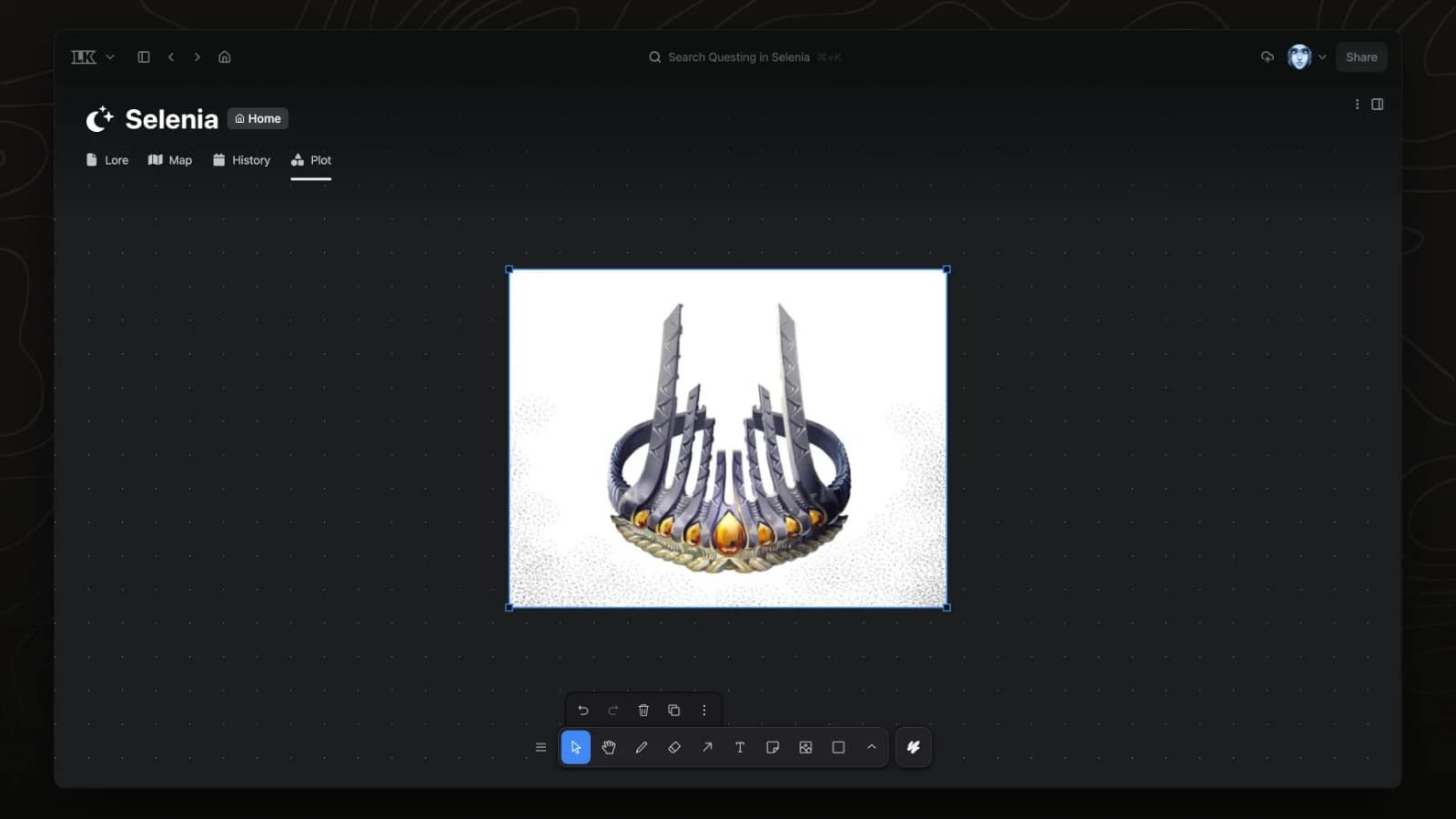
The image tool places pictures from the project's files on a board. This video places the art for the Crown of Psychic Dissonance on the board and resizes it.
Link a page
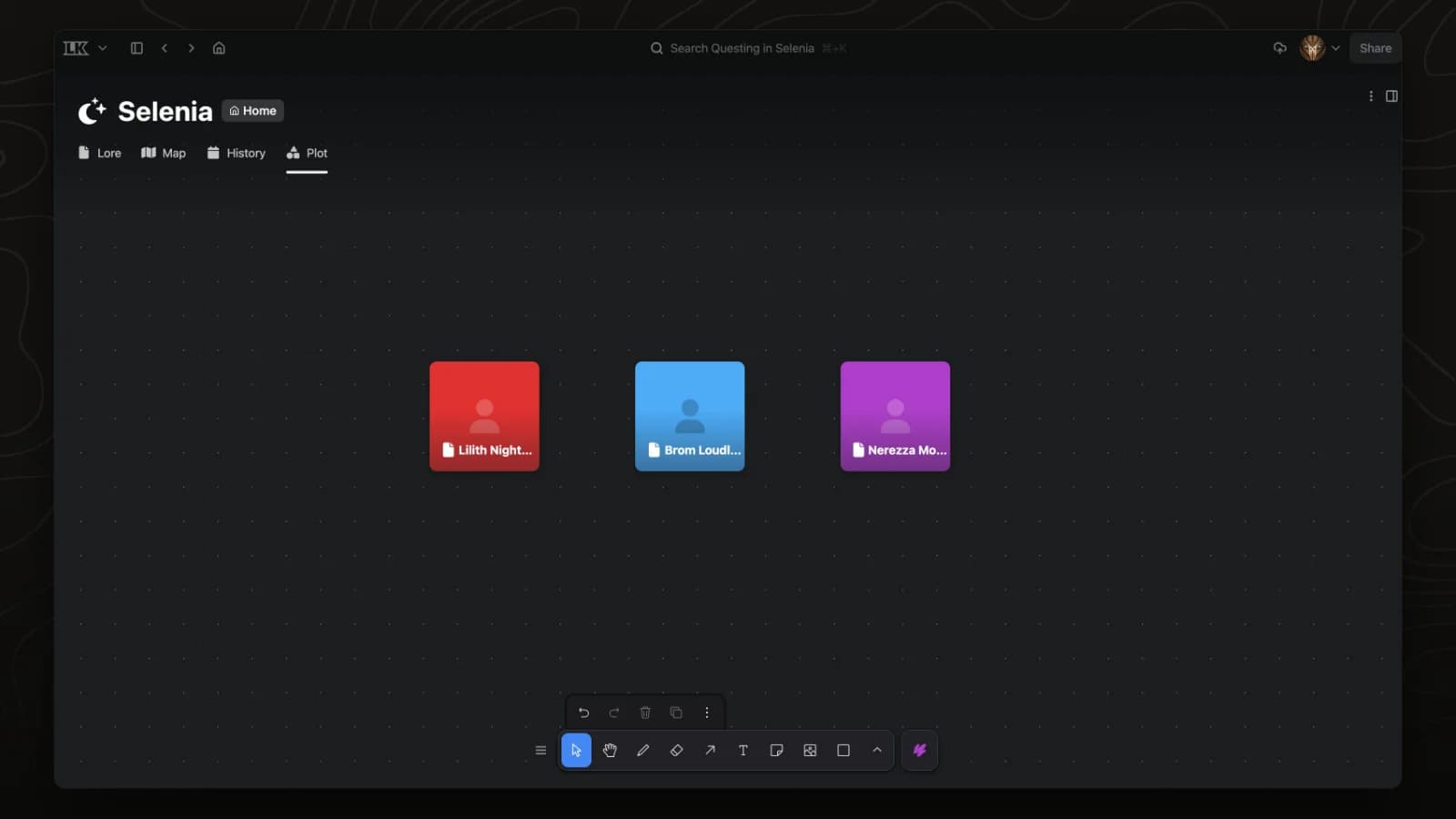
Any page can sit on a board as a card. This video right-clicks the board, chooses Link element and adds Nerezza Moonstone next to two other Selenia characters.
Create a page
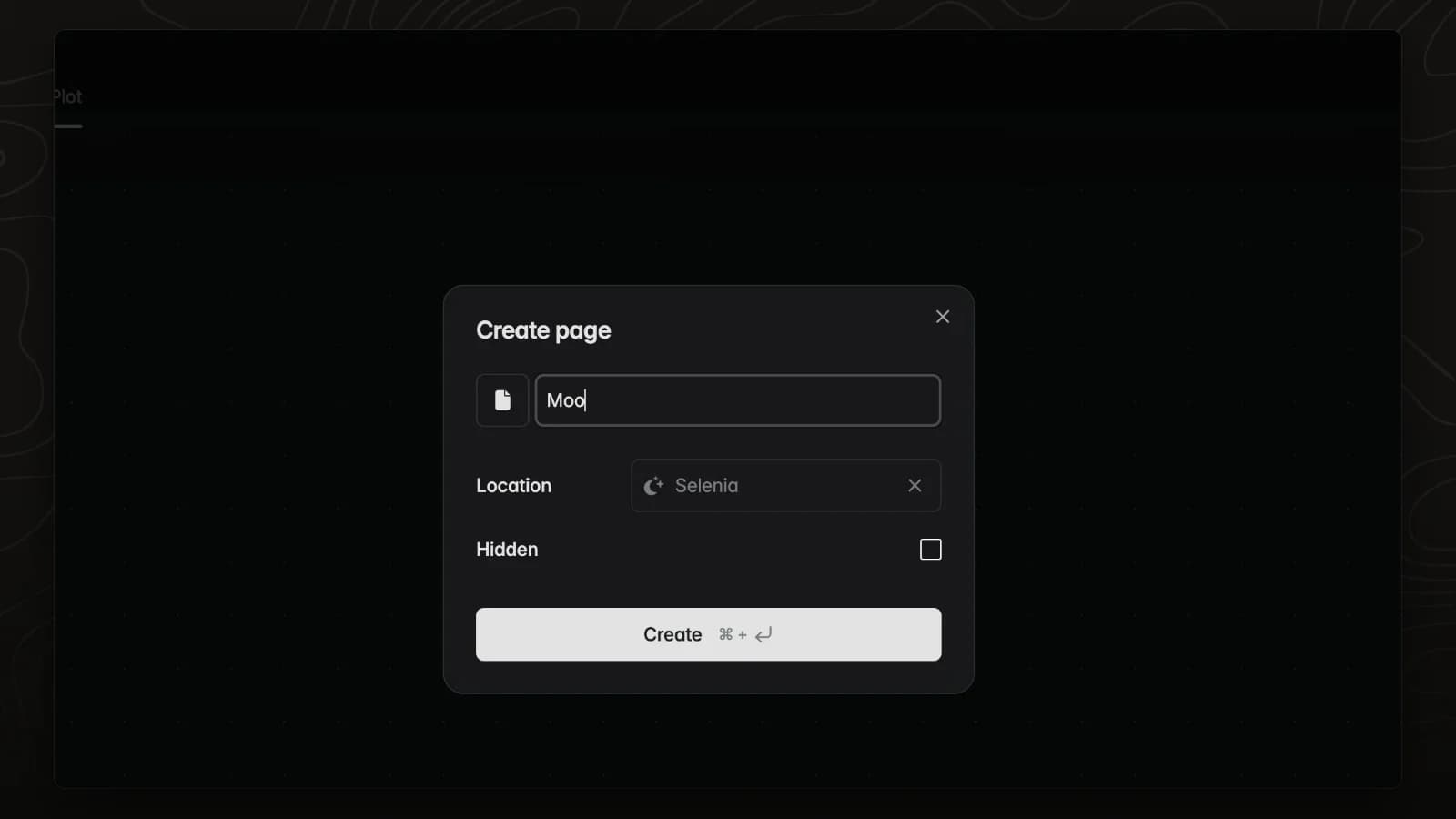
Create element makes a new page and places its card on the board. This video creates a page called Moonwell under Selenia.
Embed a page
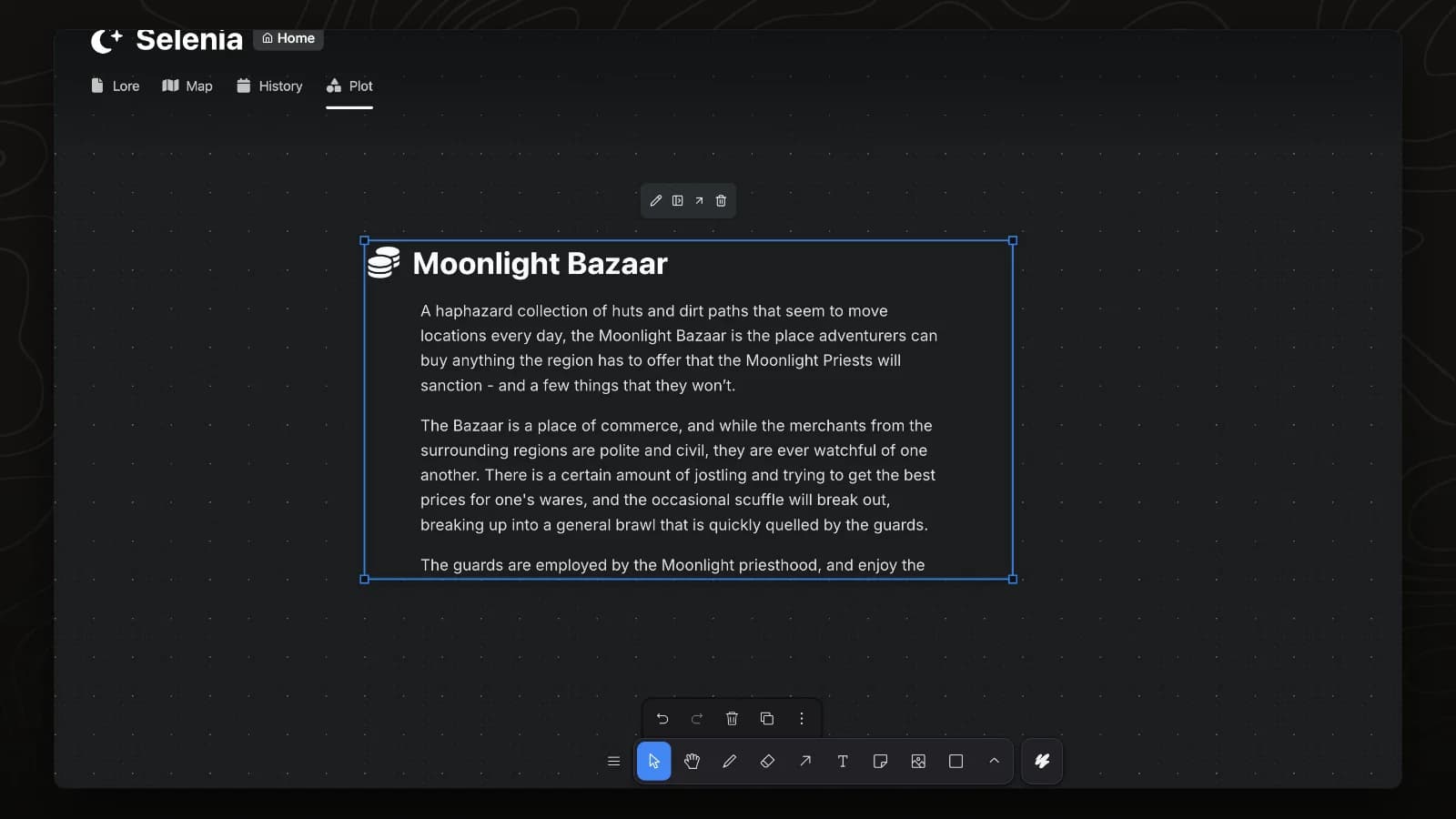
A page card that is large enough shows the page itself, and the text stays in sync with the page. This video enlarges a card for the Moonlight Bazaar and switches Allow embed off and on.
Embed a map
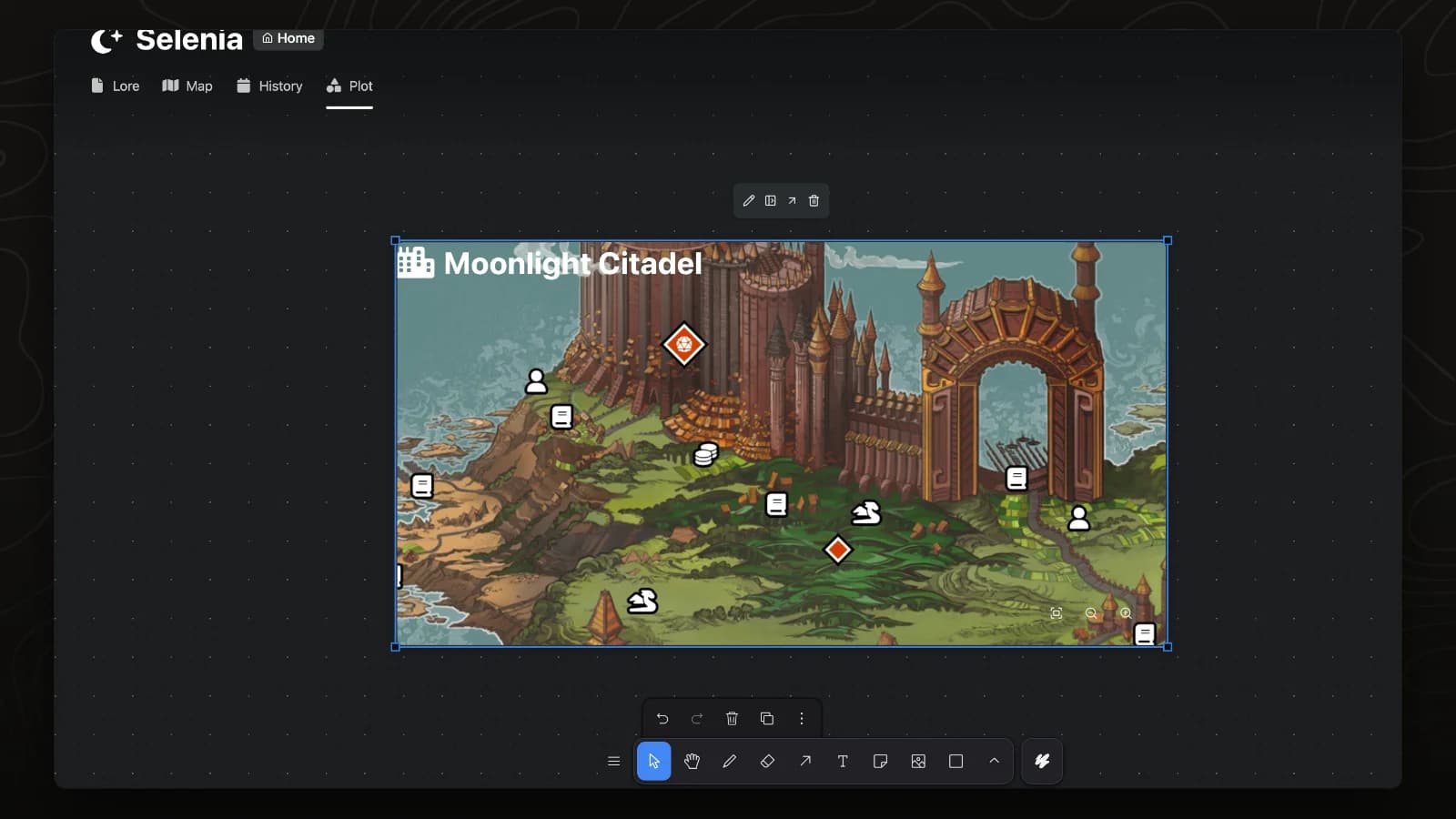
A card for a page whose first tab is a map shows that map. This video enlarges a card for the Moonlight Citadel, then zooms and pans its map.
Lock cards
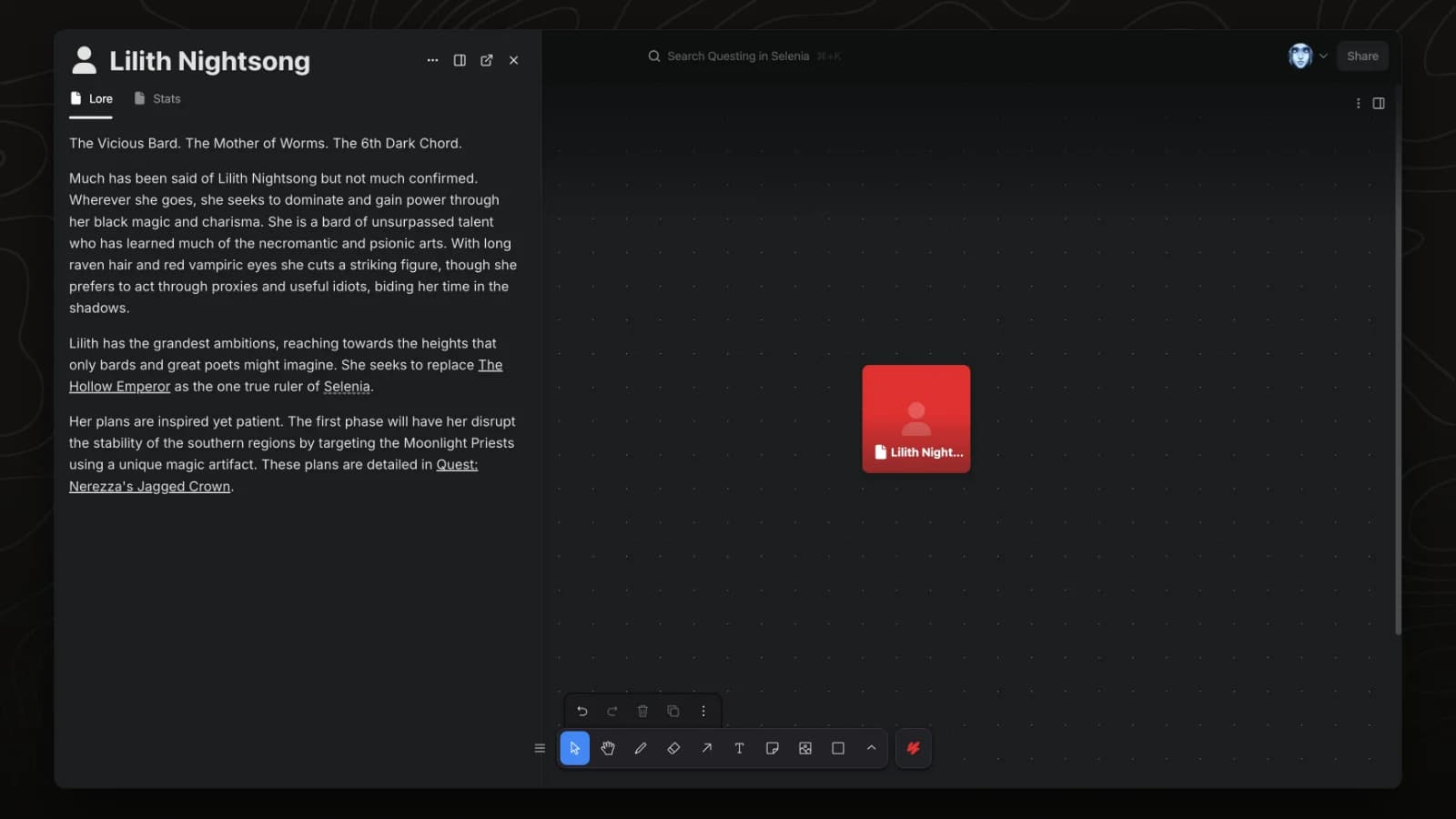
A locked card cannot be moved by accident, and clicking it opens the page in a side panel. This video locks a card for Lilith Nightsong and clicks it.