
Write pages, link them together and keep long pages easy to navigate.
Pages and writing
byBradenUpdated
In this section
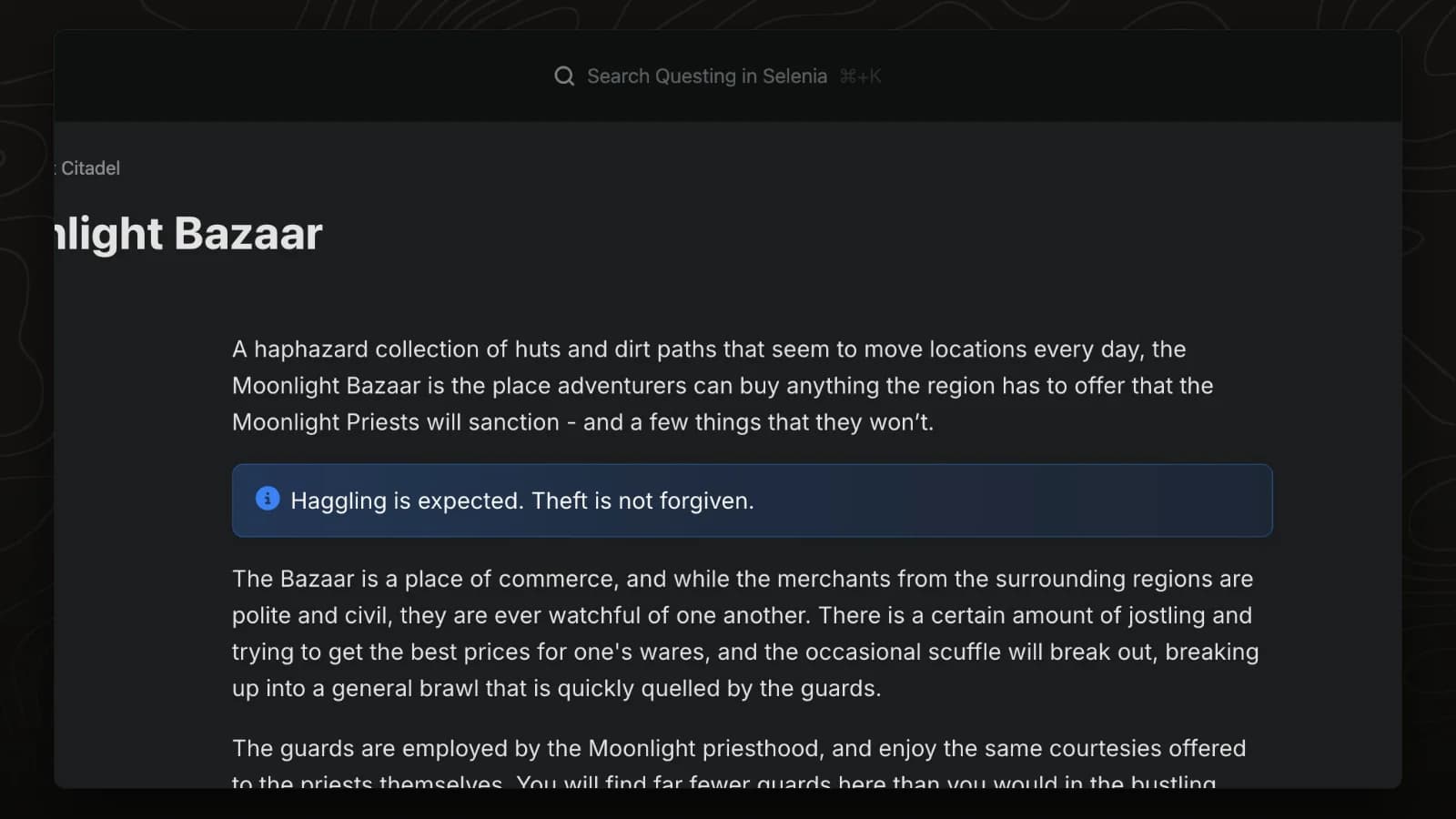
Slash commands
Type / on any line to insert a block, such as a callout, table, map or embed.
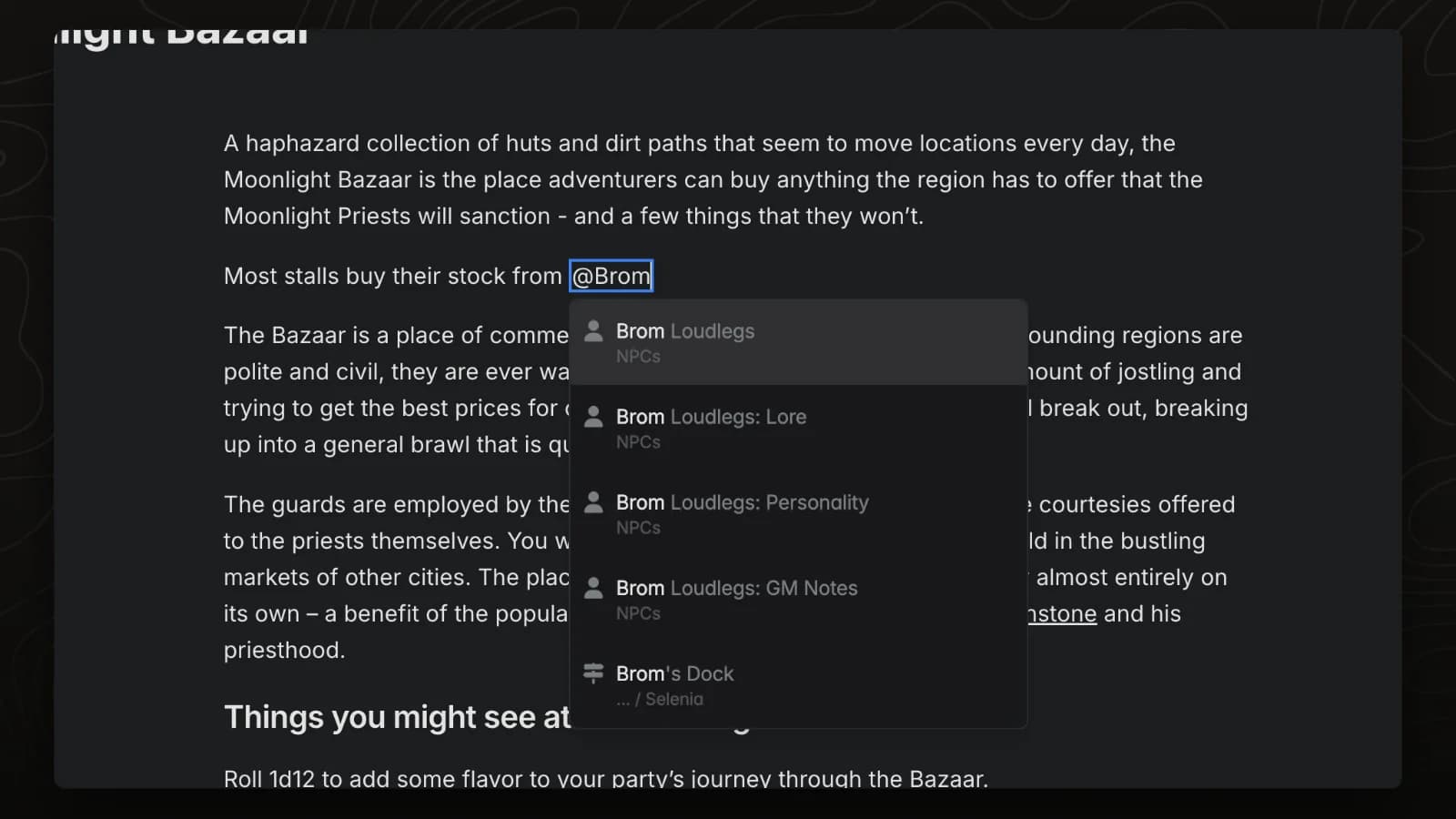
Mentions
Type @ and a page name to link to any page in your world. Hover the link to preview the page.
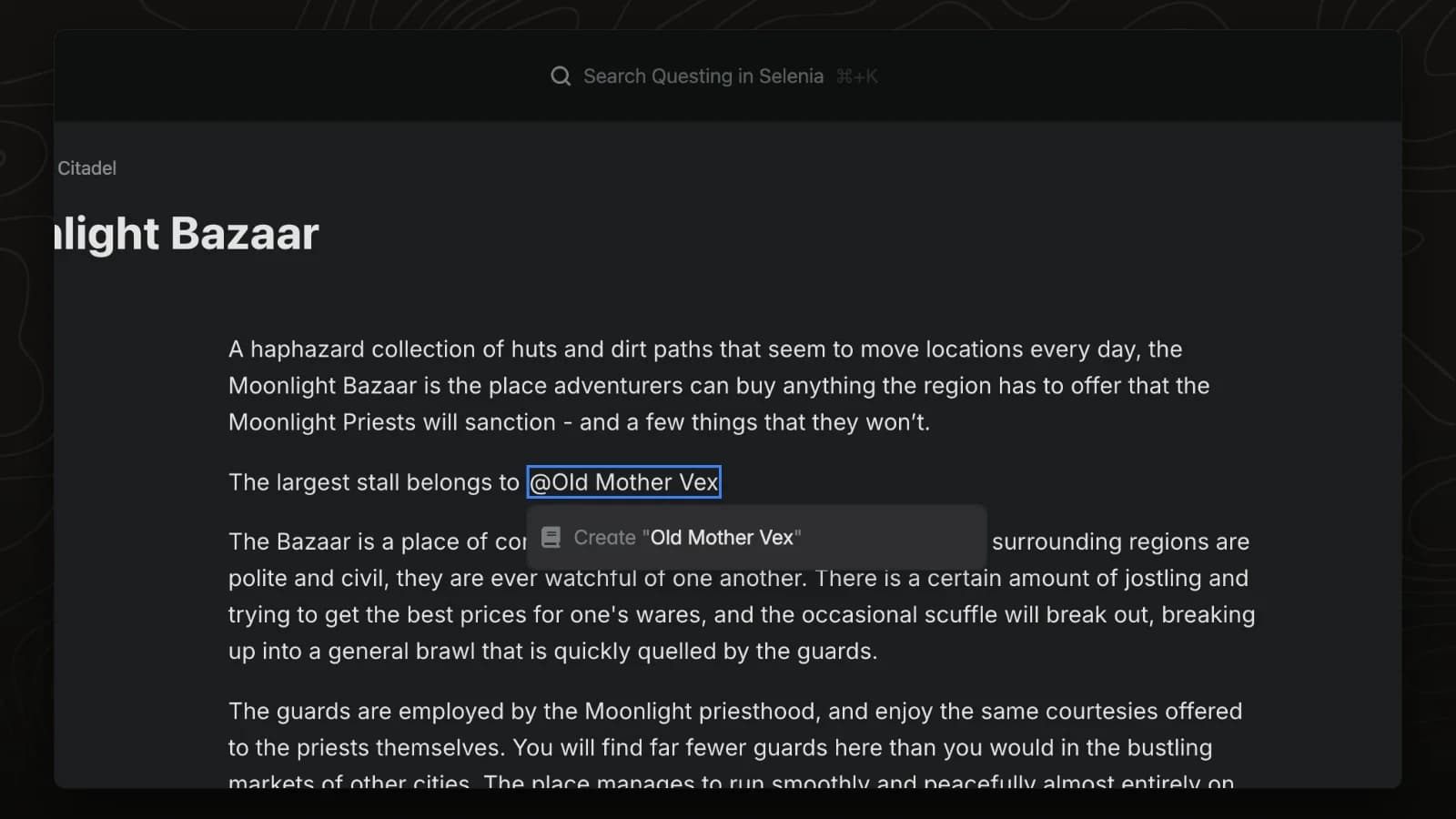
Create pages from mentions
Mention a page that does not exist yet and LegendKeeper creates it from the mention menu.
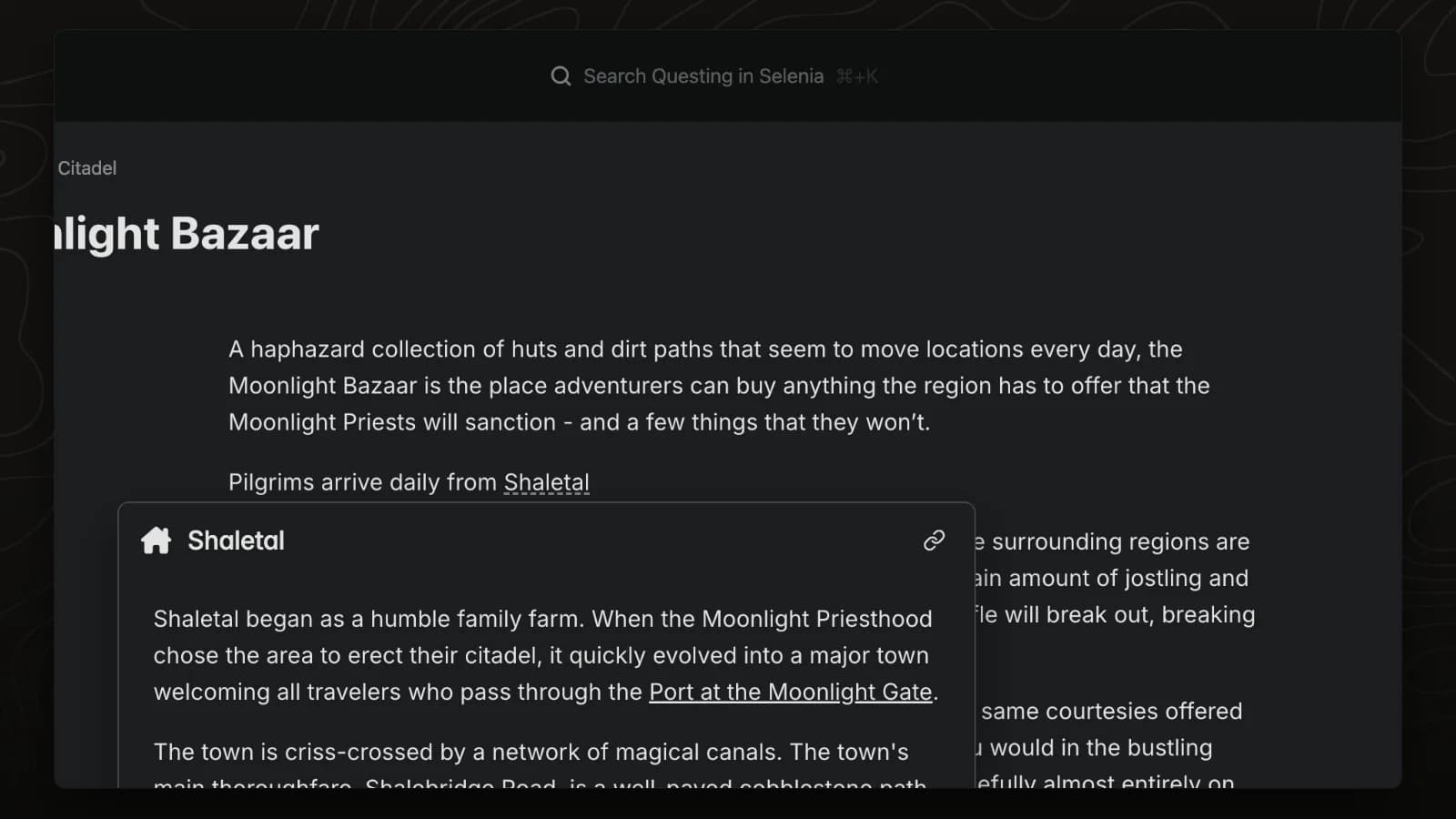
Autolinks
LegendKeeper marks the names of existing pages as you type them. Hover a marked name and click the link button to turn it into a link.
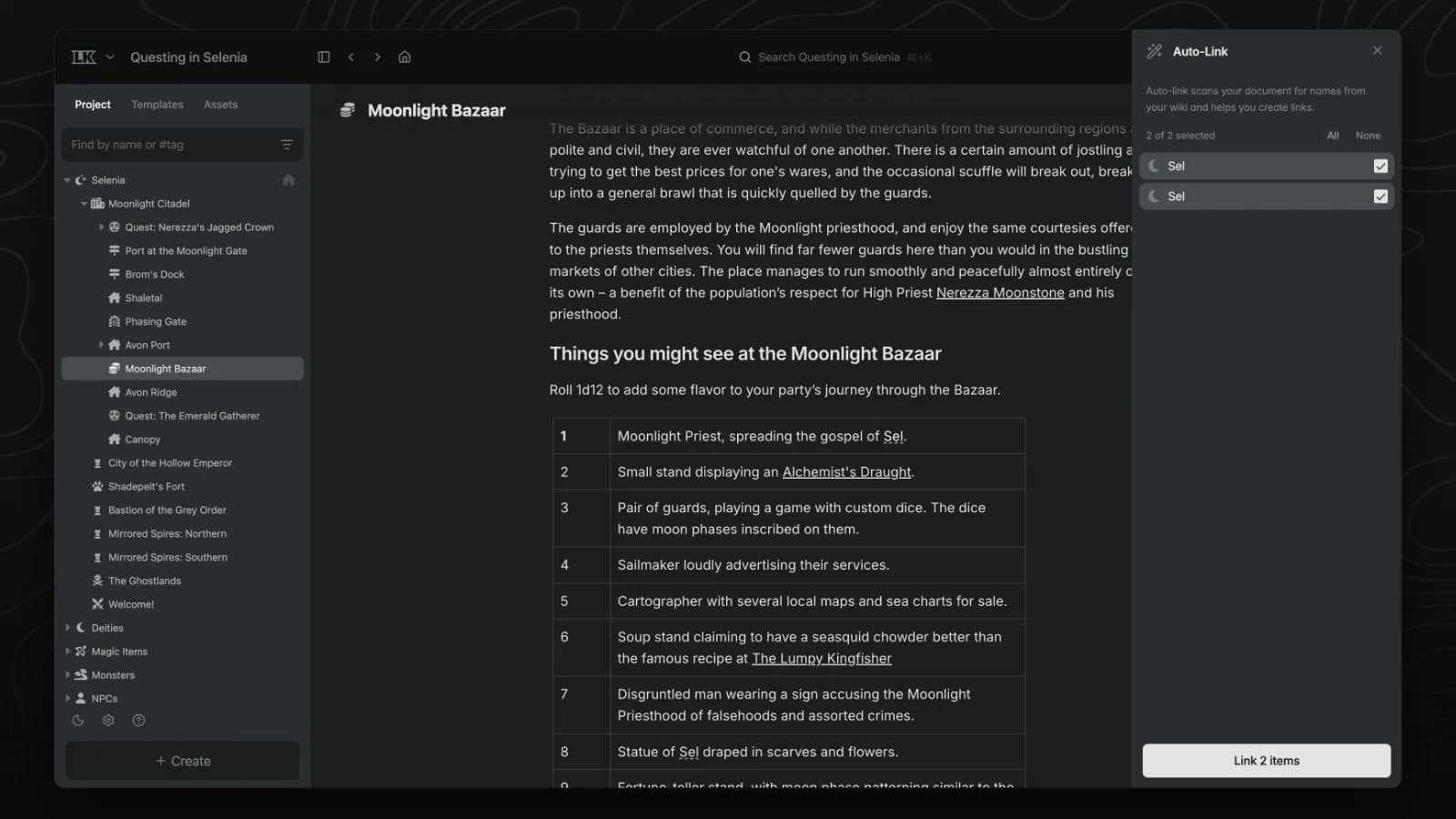
Bulk autolink
Bulk auto-link scans a page for the names of other pages in your world and turns every match into a link in one step.
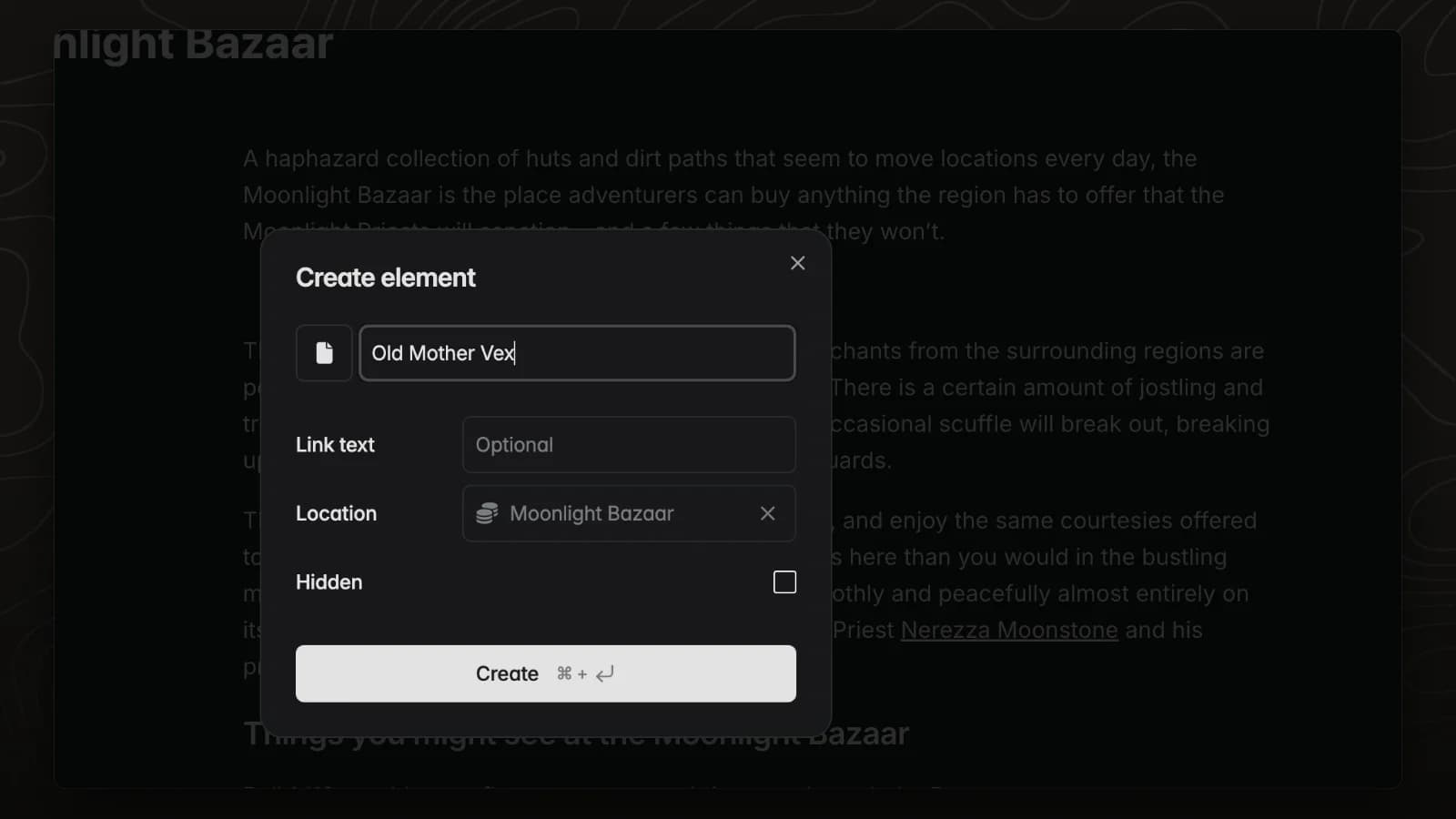
Create linked pages
The /element command creates a new page and links it where you are typing, so you never lose your place.
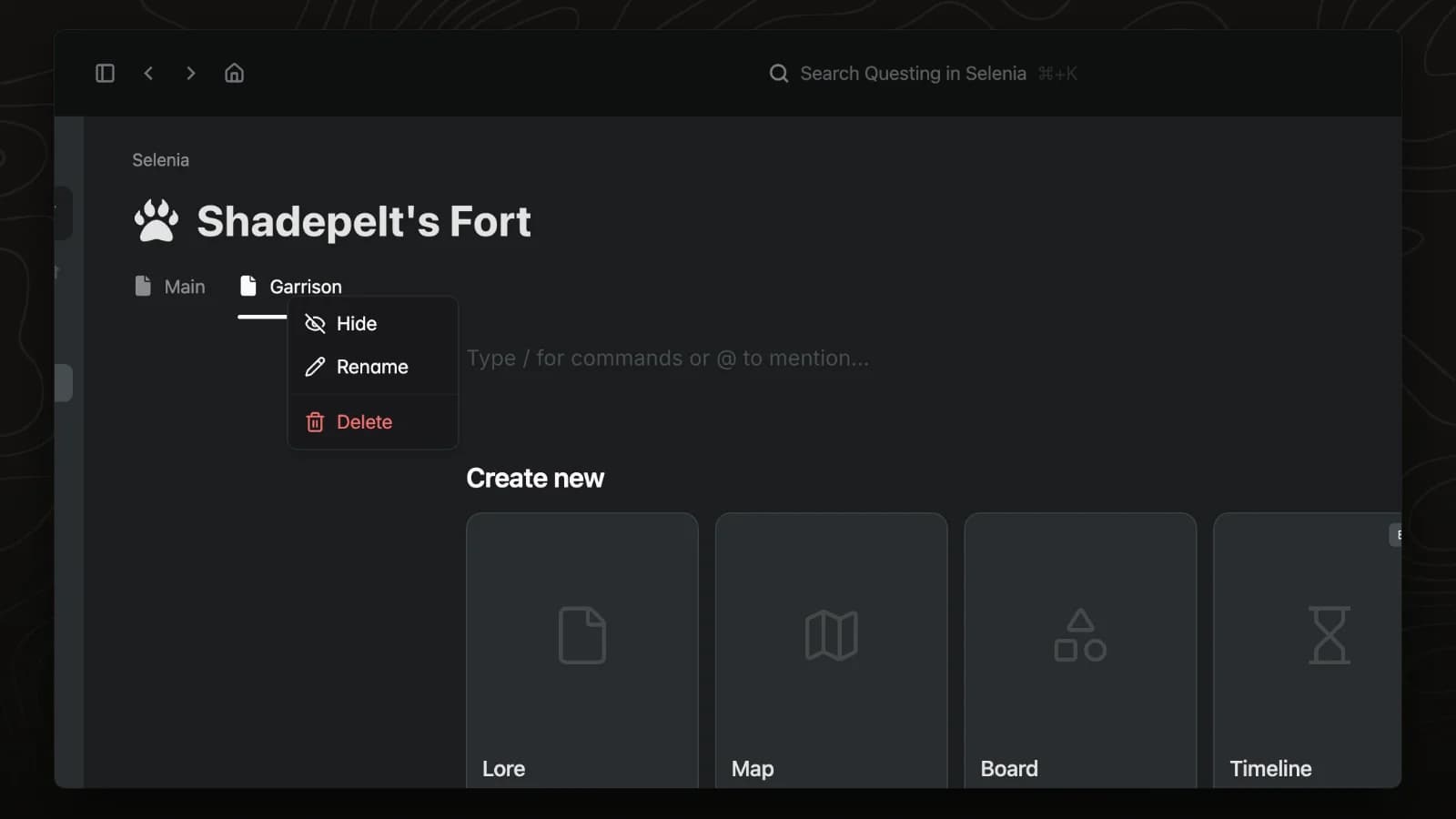
Page tabs
Tabs split one page into sections, such as lore, stats and GM notes. Any tab can be hidden from players.
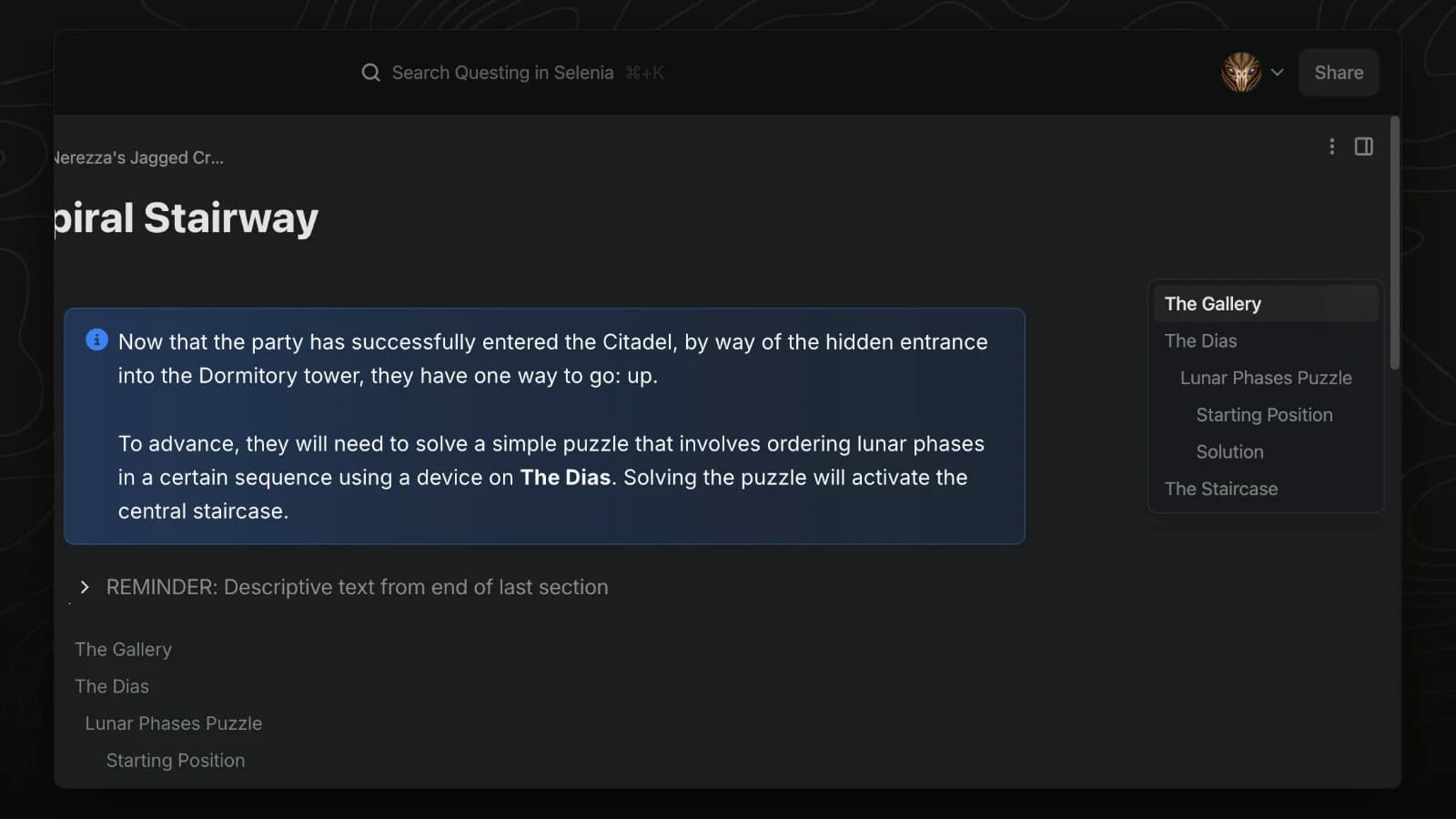
Table of contents
Pages with headings get a table of contents automatically. Hover it to jump to any section.
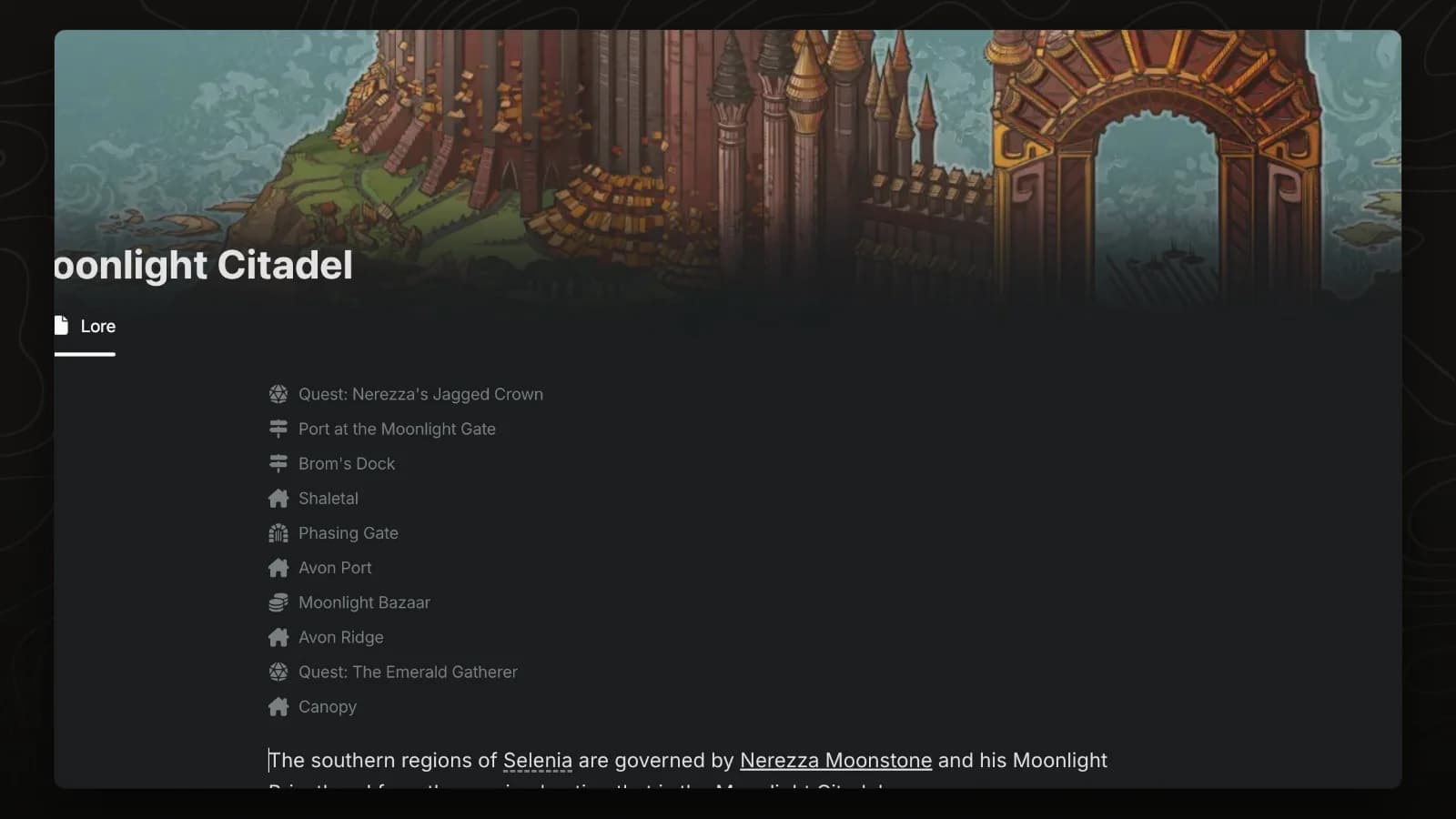
Subpage index
The subpage index lists and links every page inside the current page and stays up to date as pages are added.
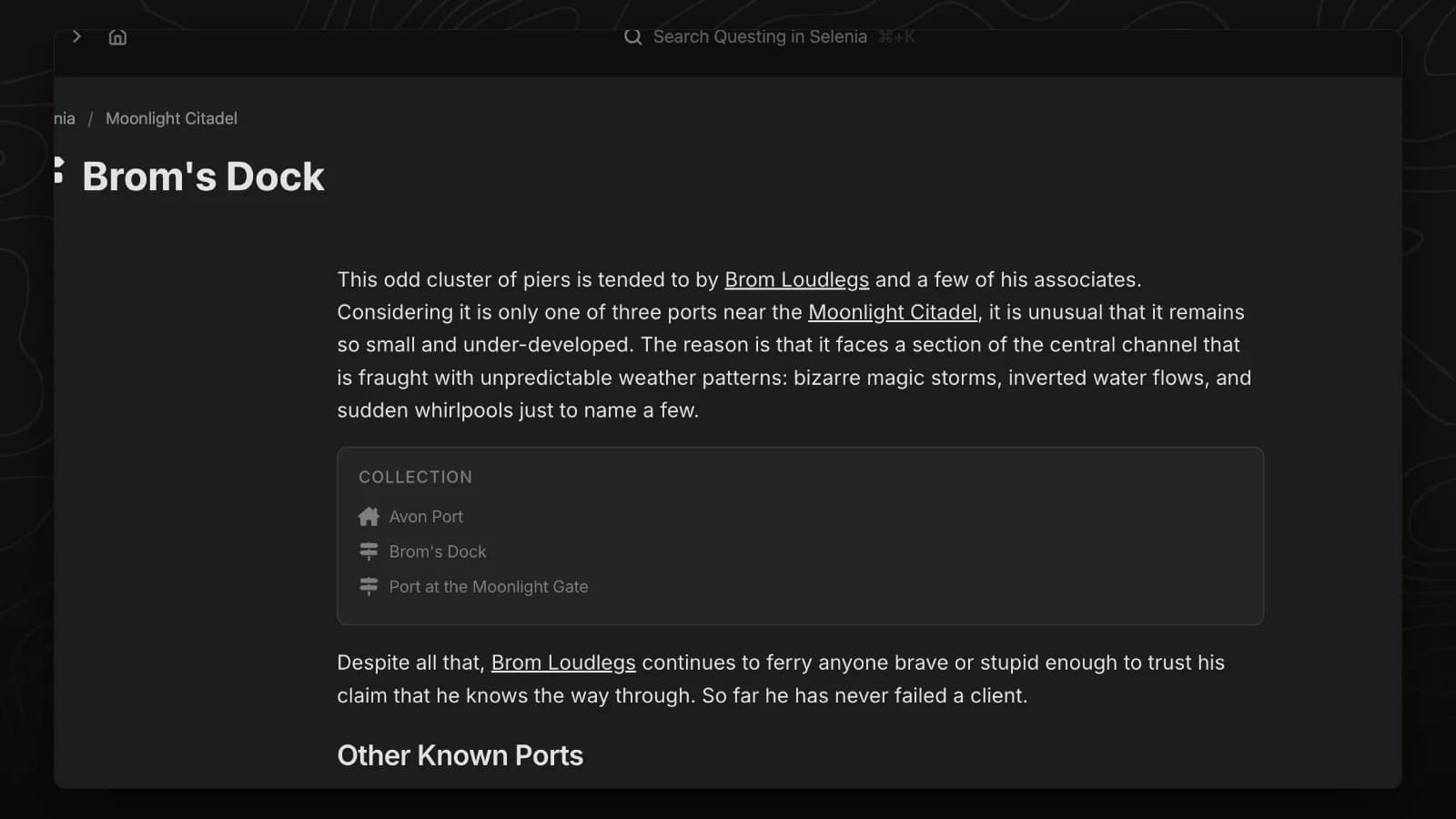
Tag index
A tag index collects every page with the tags you choose, such as all ports or all taverns.
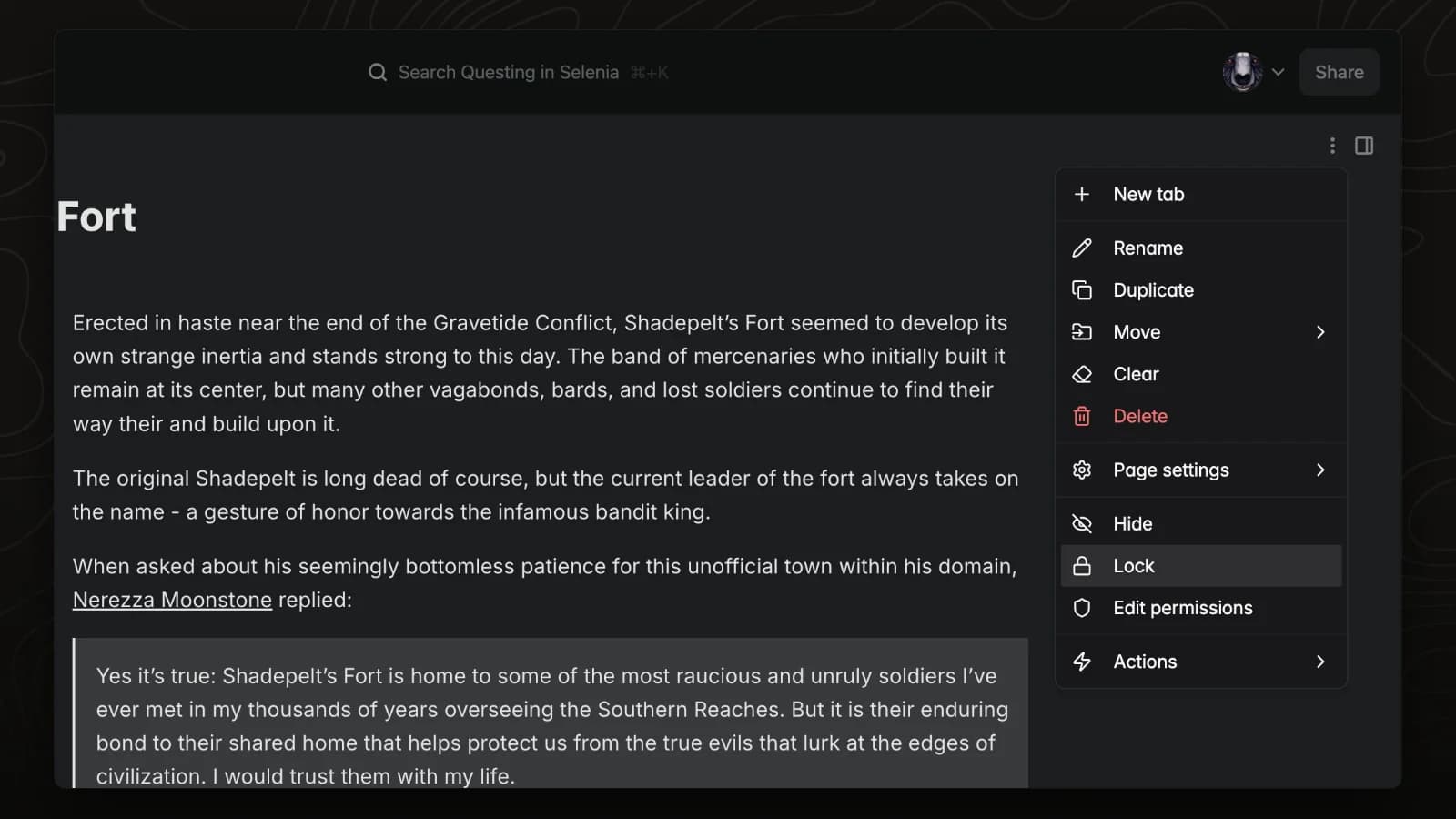
Lock a page
Locking a page prevents accidental edits while you read or present it.