
Pins, paths, regions, labels, measuring and routes on your maps.
Maps
byBradenUpdated
In this section
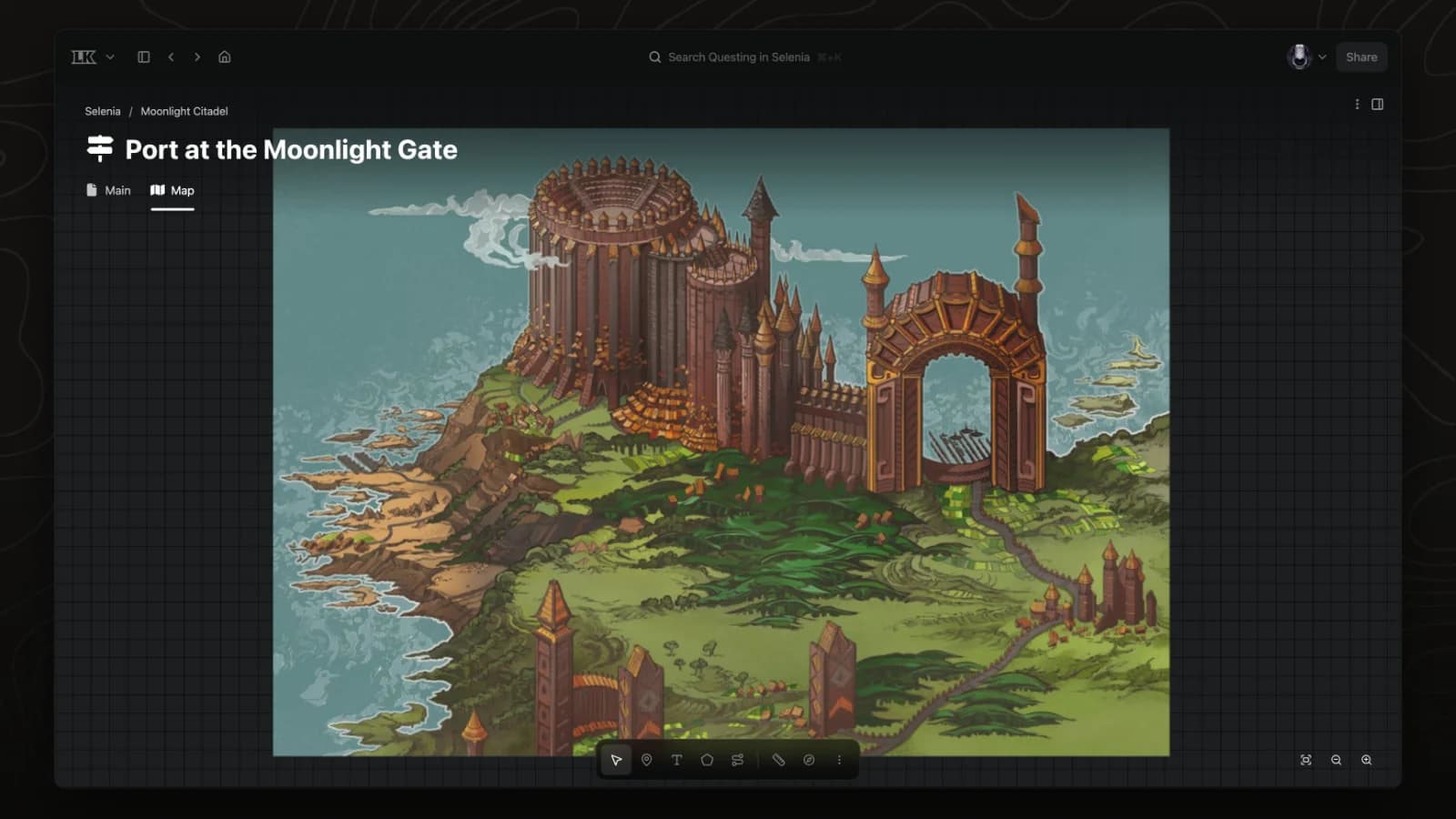
Create a map
Any image can become an interactive map. Add a Map tab to a page, upload the image, and add pins, regions and paths on top.
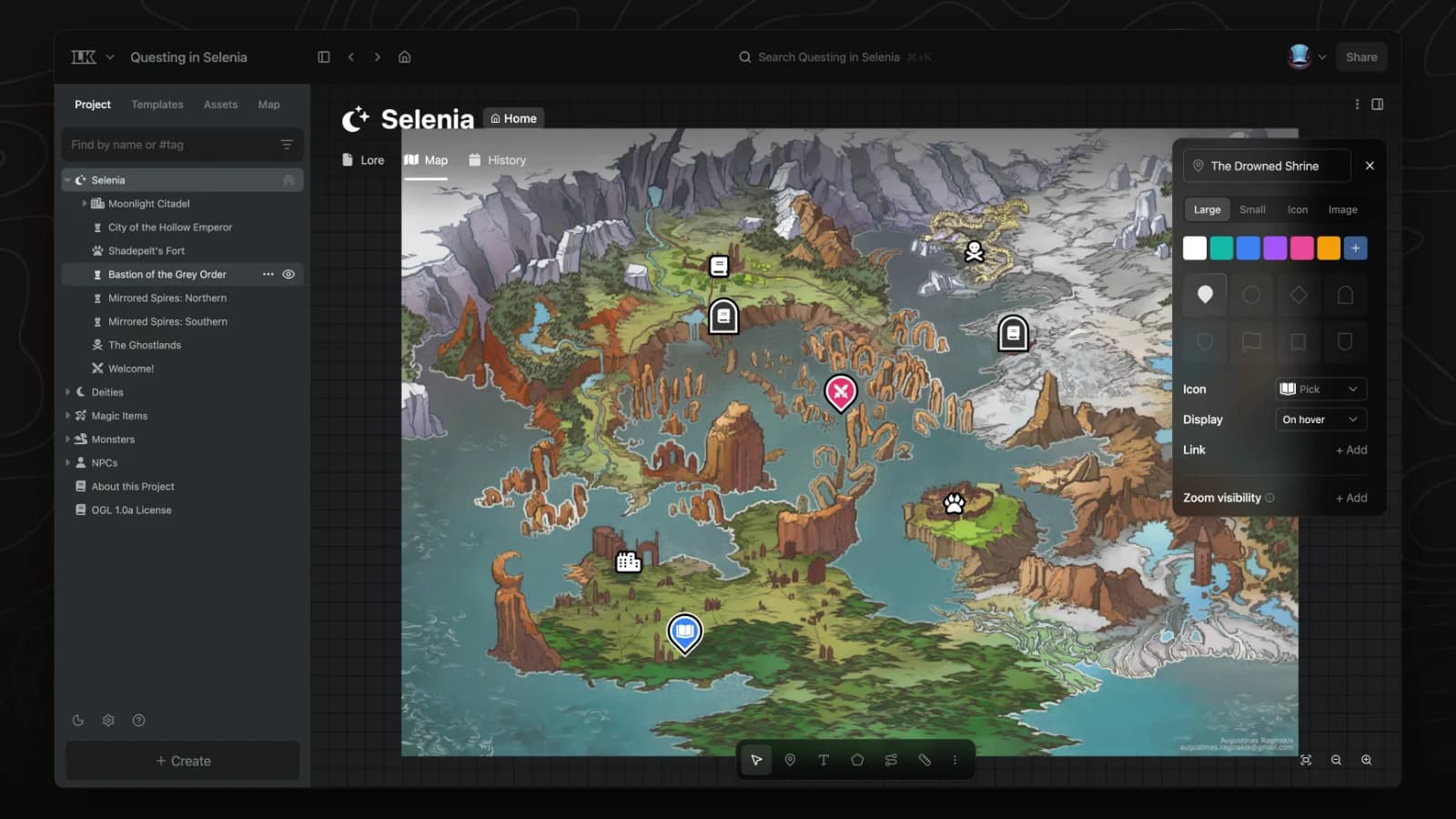
Add pins
Pins mark places on a map. Link a pin to a page to connect the map to your wiki.
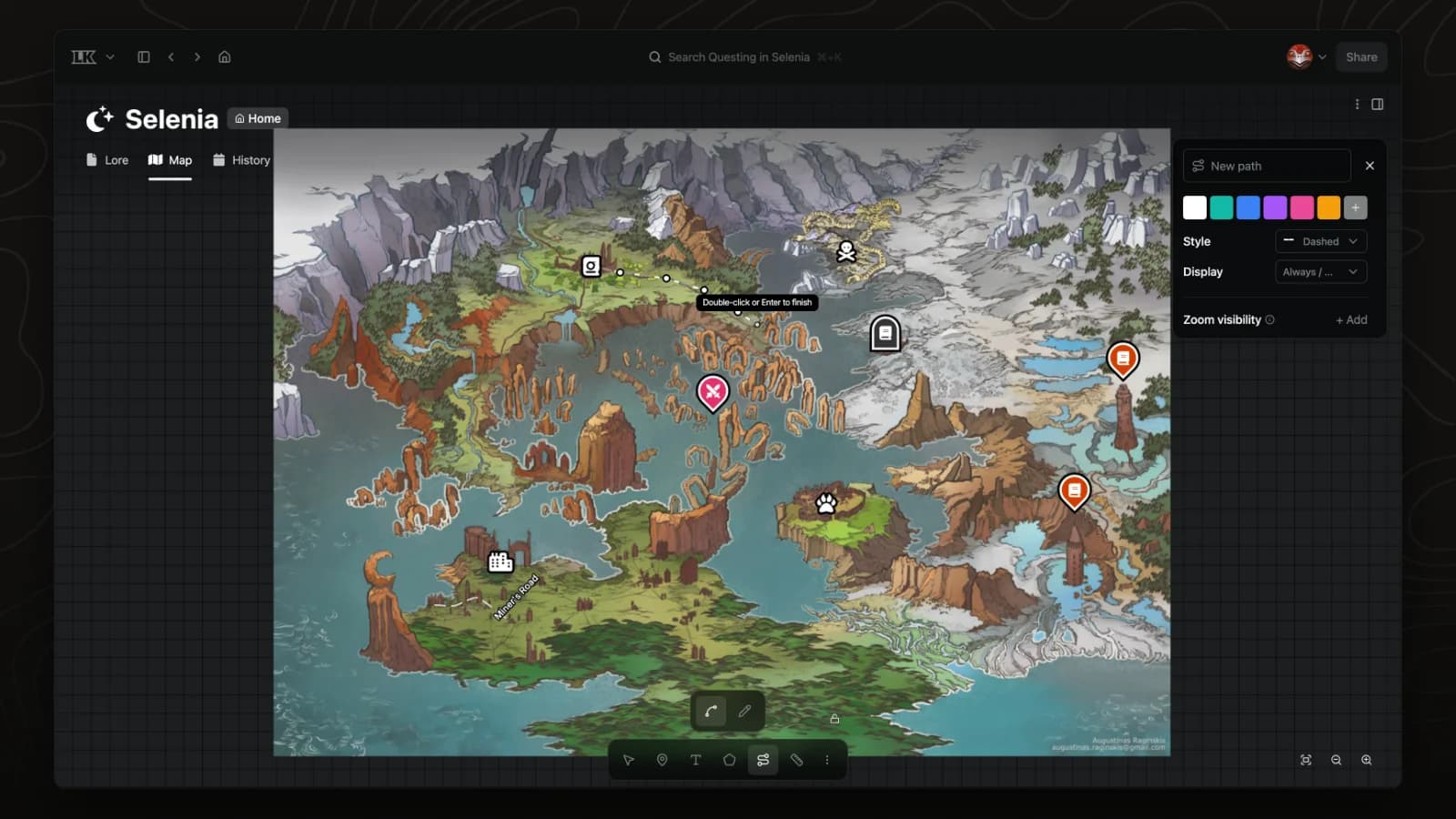
Draw roads and routes
The path tool draws roads, rivers and travel routes on a map.
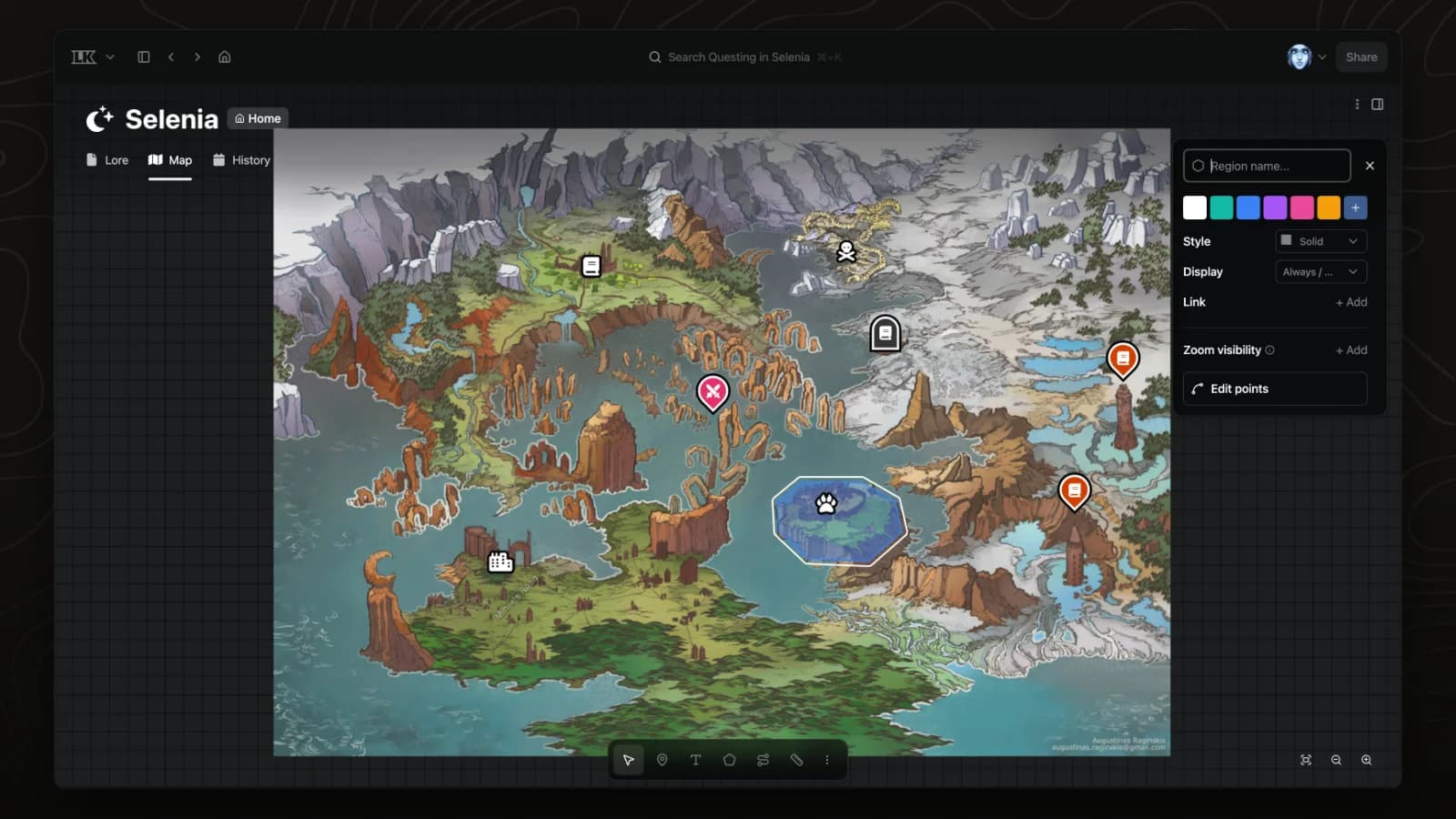
Draw regions
The region tool outlines territories, borders and areas of interest on a map.
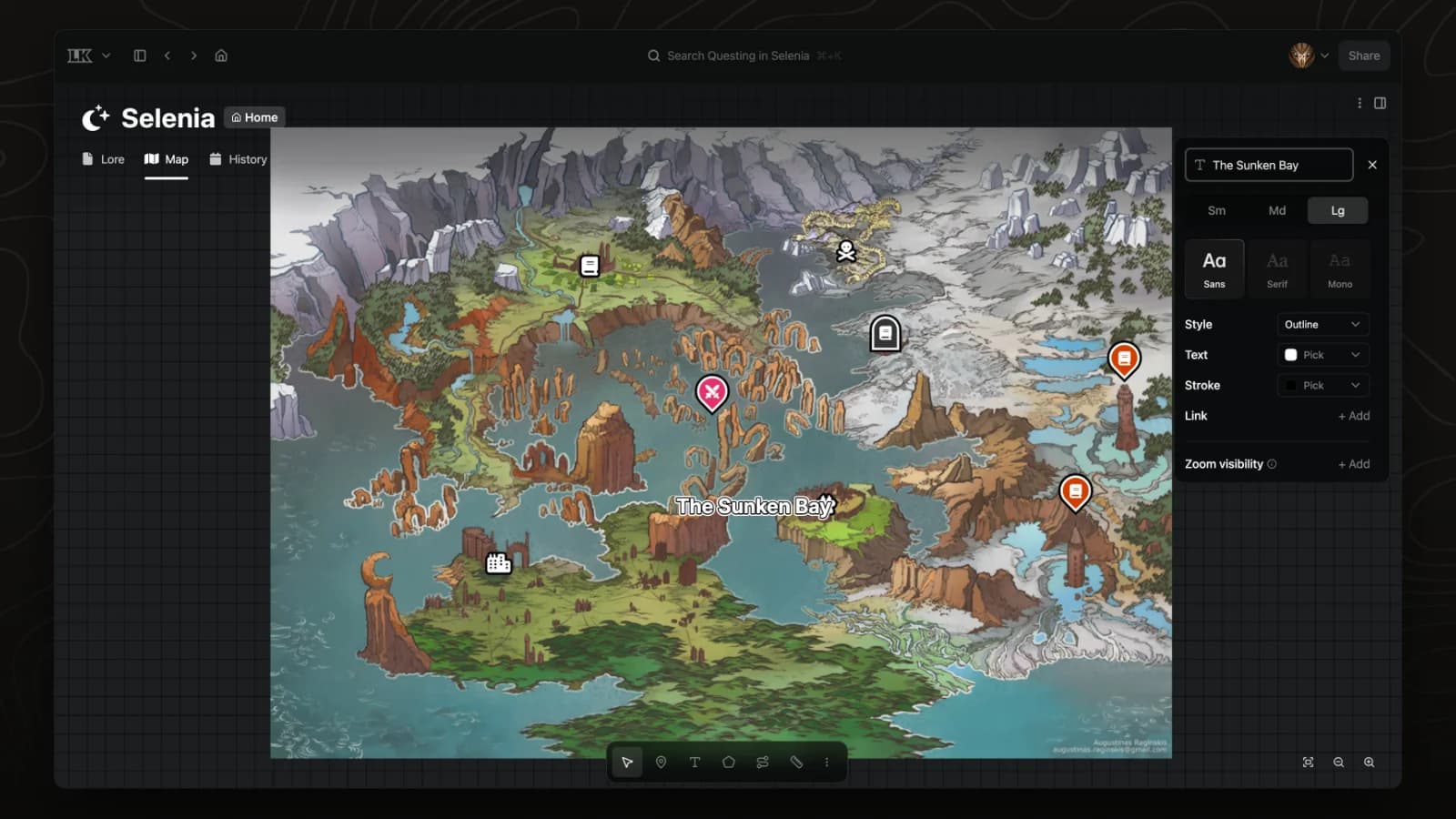
Map labels
Labels name seas, regions and roads directly on a map.
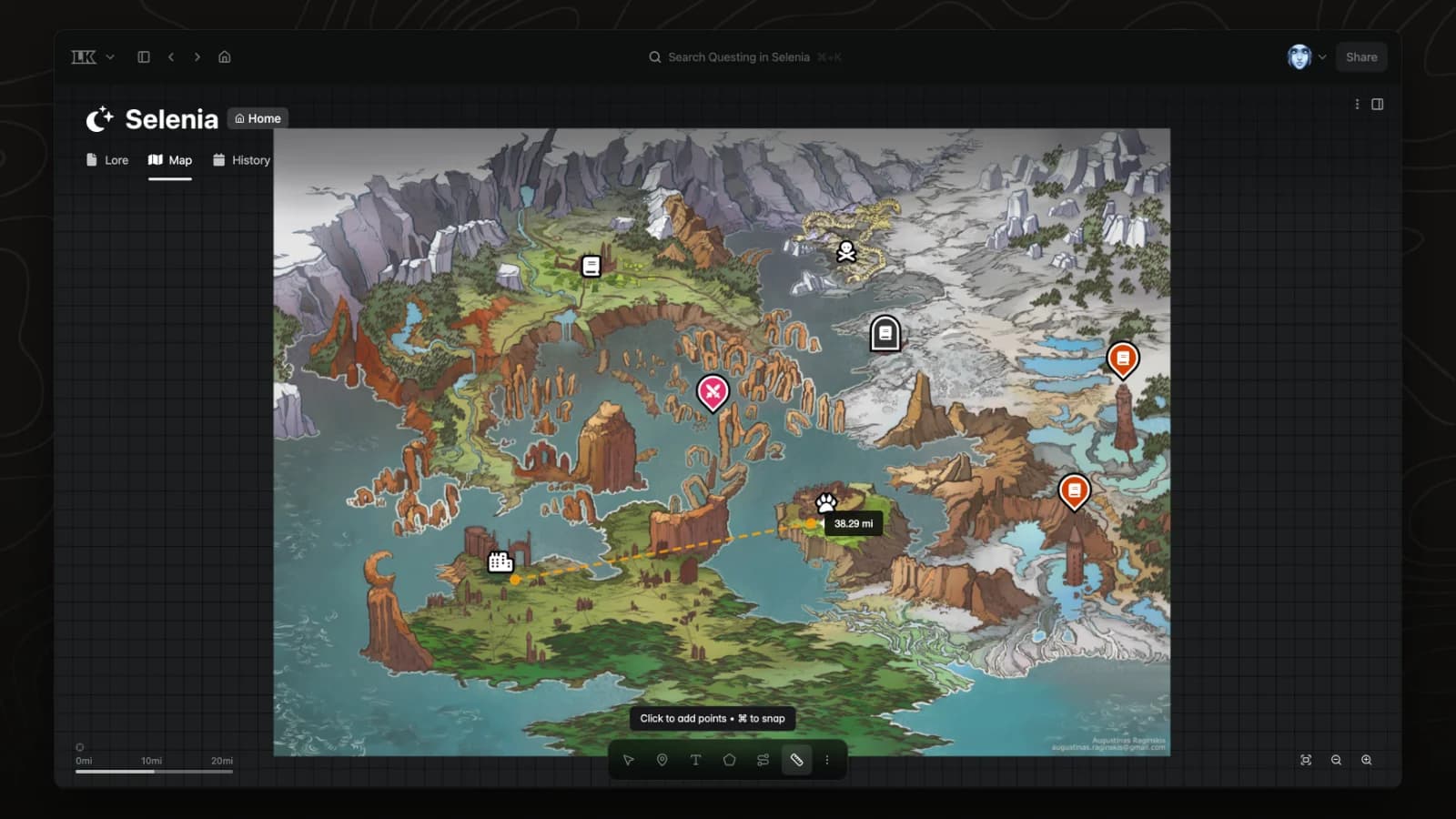
Measure distances
Calibrate a map once with a known distance, then measure travel distances anywhere on it.
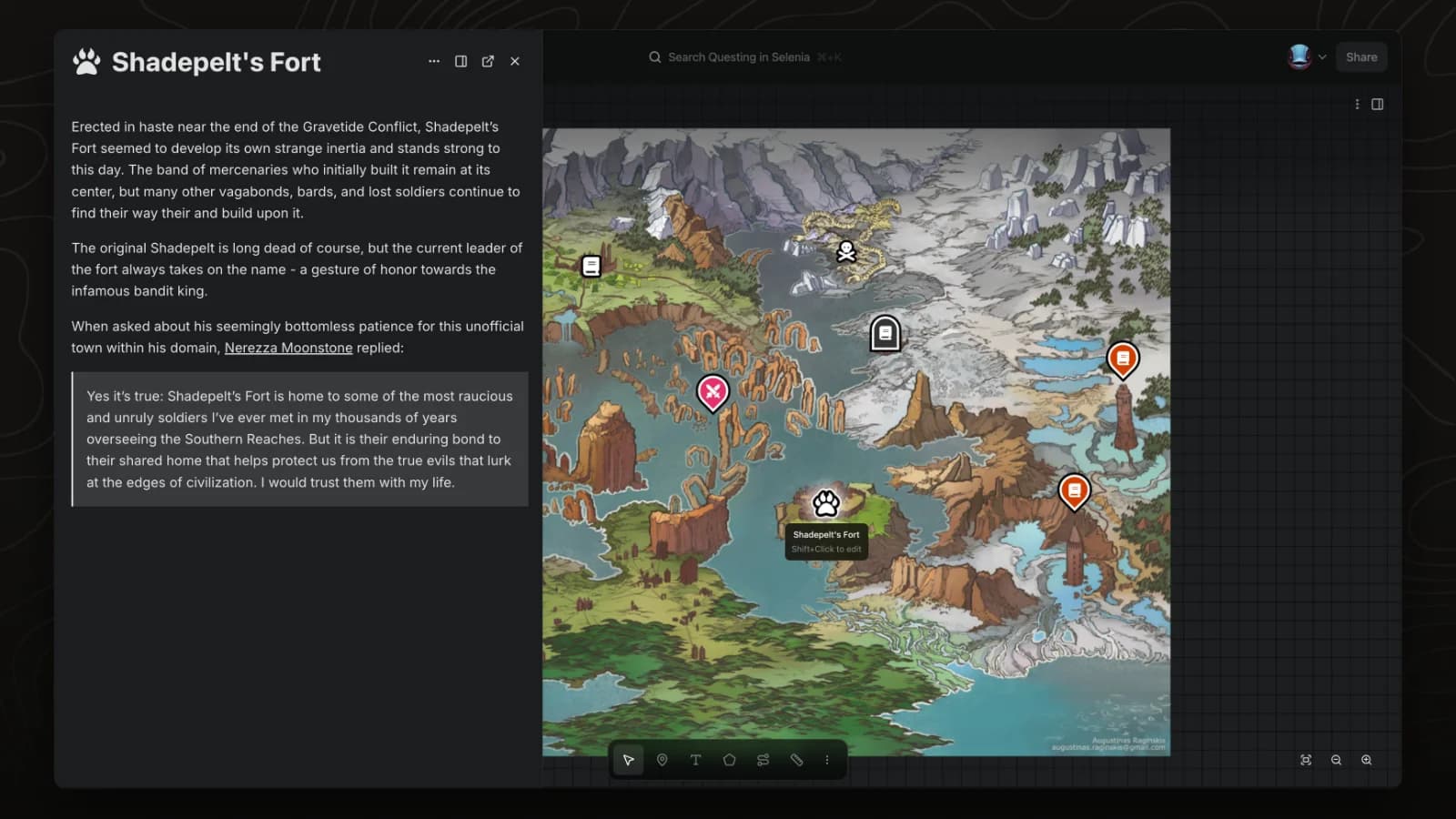
Peek at pages
Peek opens a pin's page in a side panel so you can read it without leaving the map.
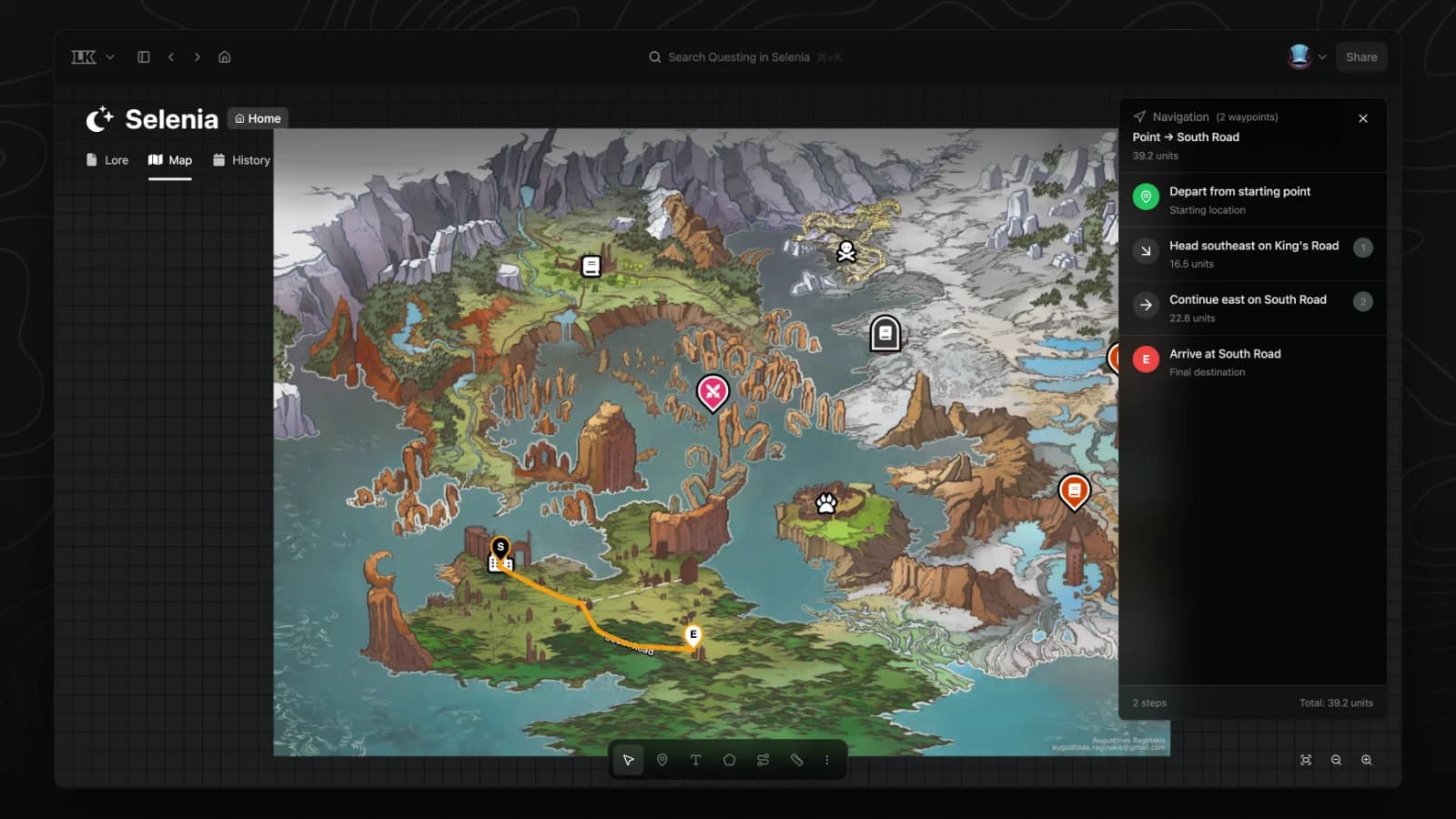
Plan routes
Navigation mode finds a route between two points on a map and lists the directions.