
Invite players, hide pages from them and choose which features a project uses.
Sharing and settings
byBradenUpdated
In this section
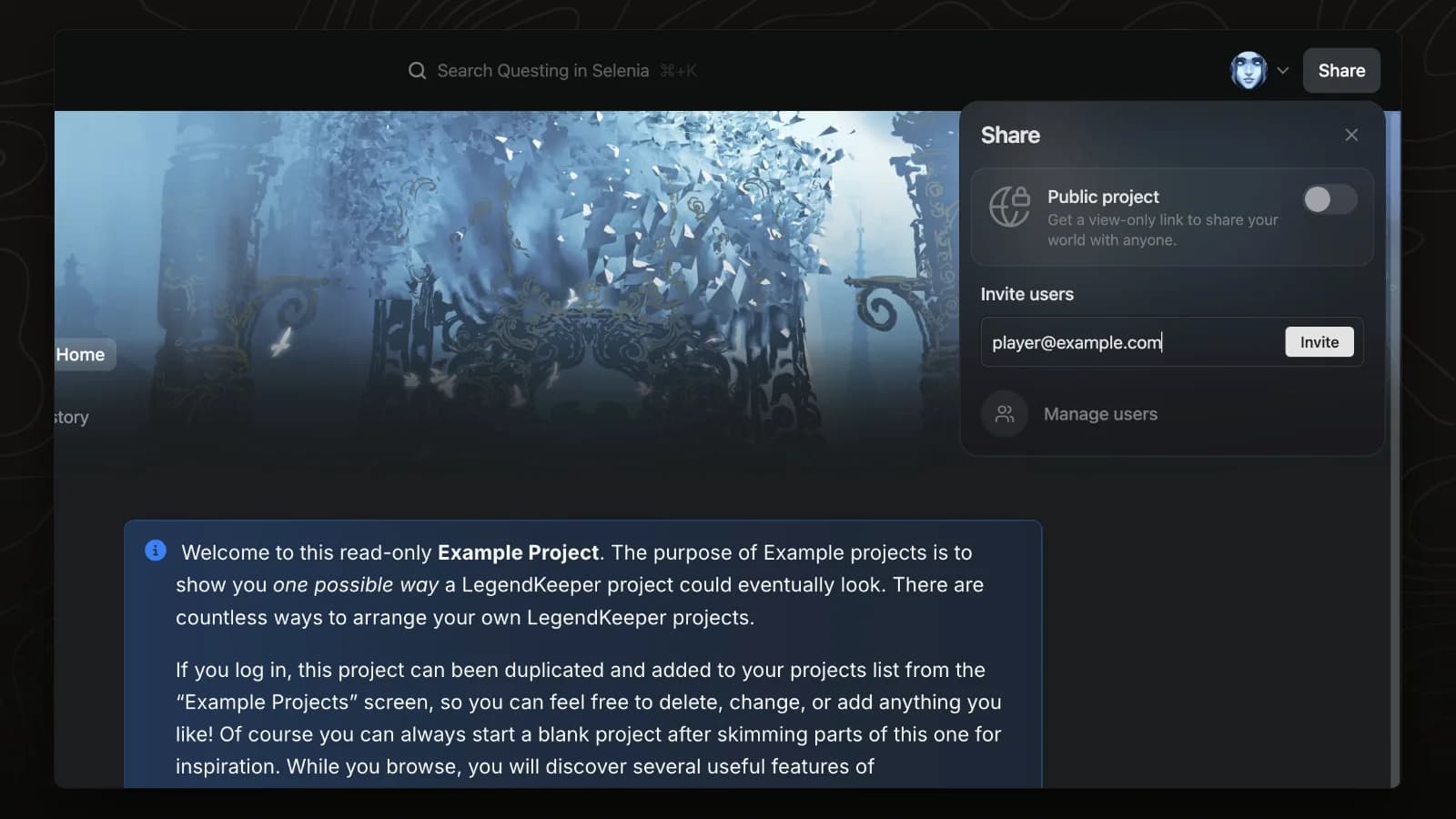
Invite players
Invite players and co-authors by email from the Share panel. Everyone edits the same world in real time.
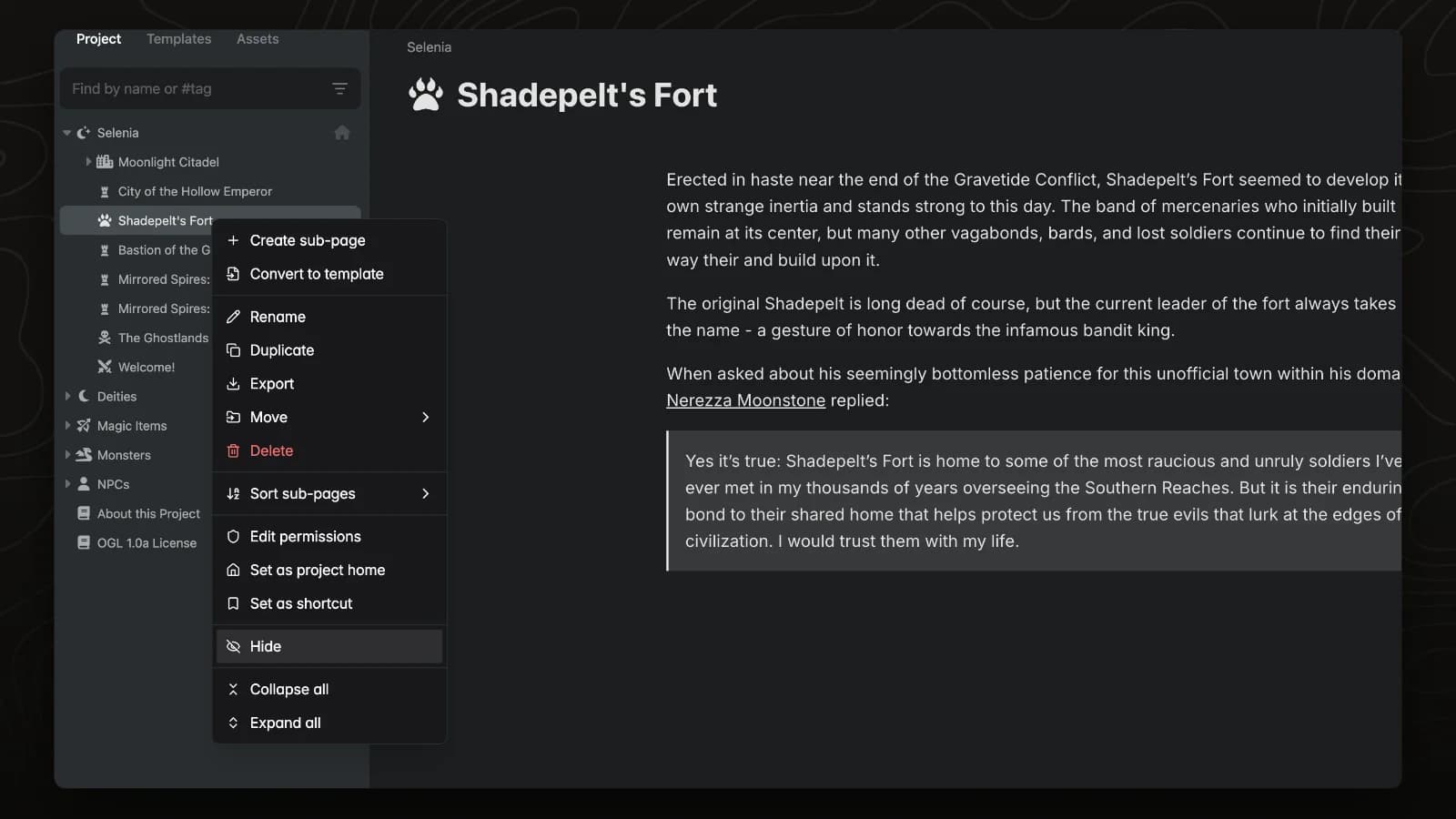
Hide pages
Hidden pages are visible only to admins. Use them for secrets, future plot and GM-only notes.
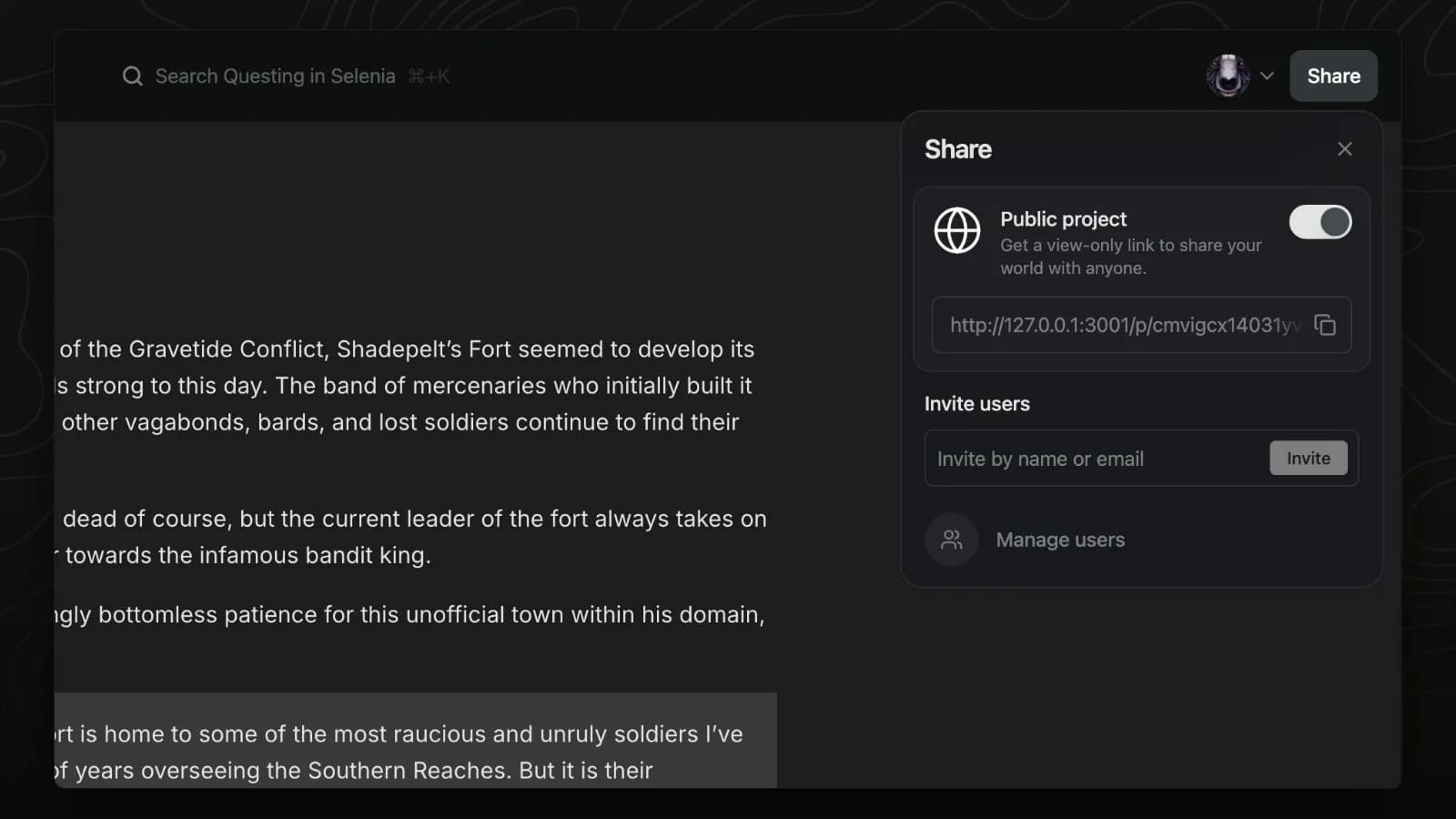
Public projects
A public project can be read by anyone with its link, without an account. Hidden pages and secret blocks stay hidden.
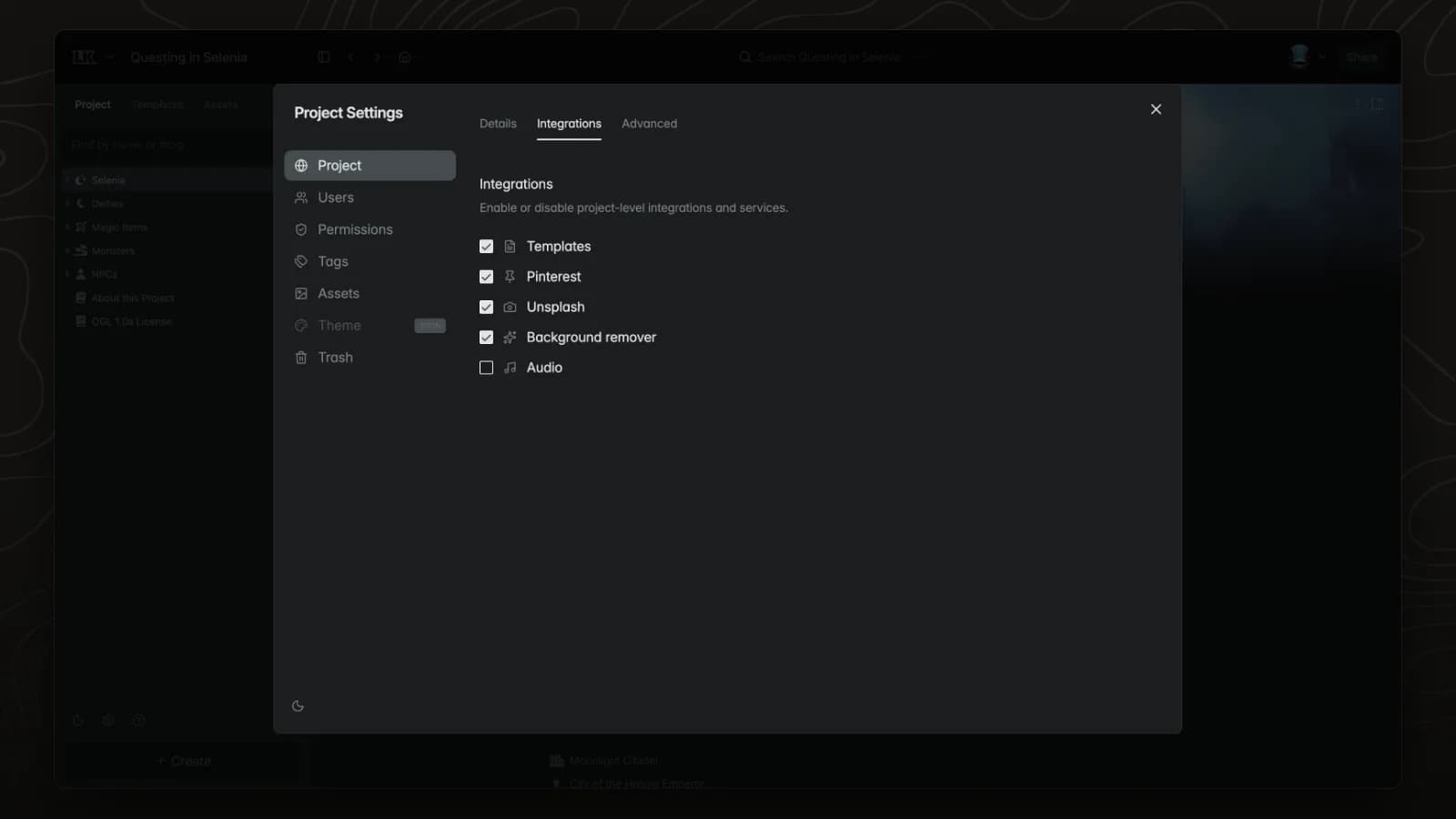
Integrations
The Integrations tab in project settings controls which features, such as Unsplash and background removal, are available in a project.