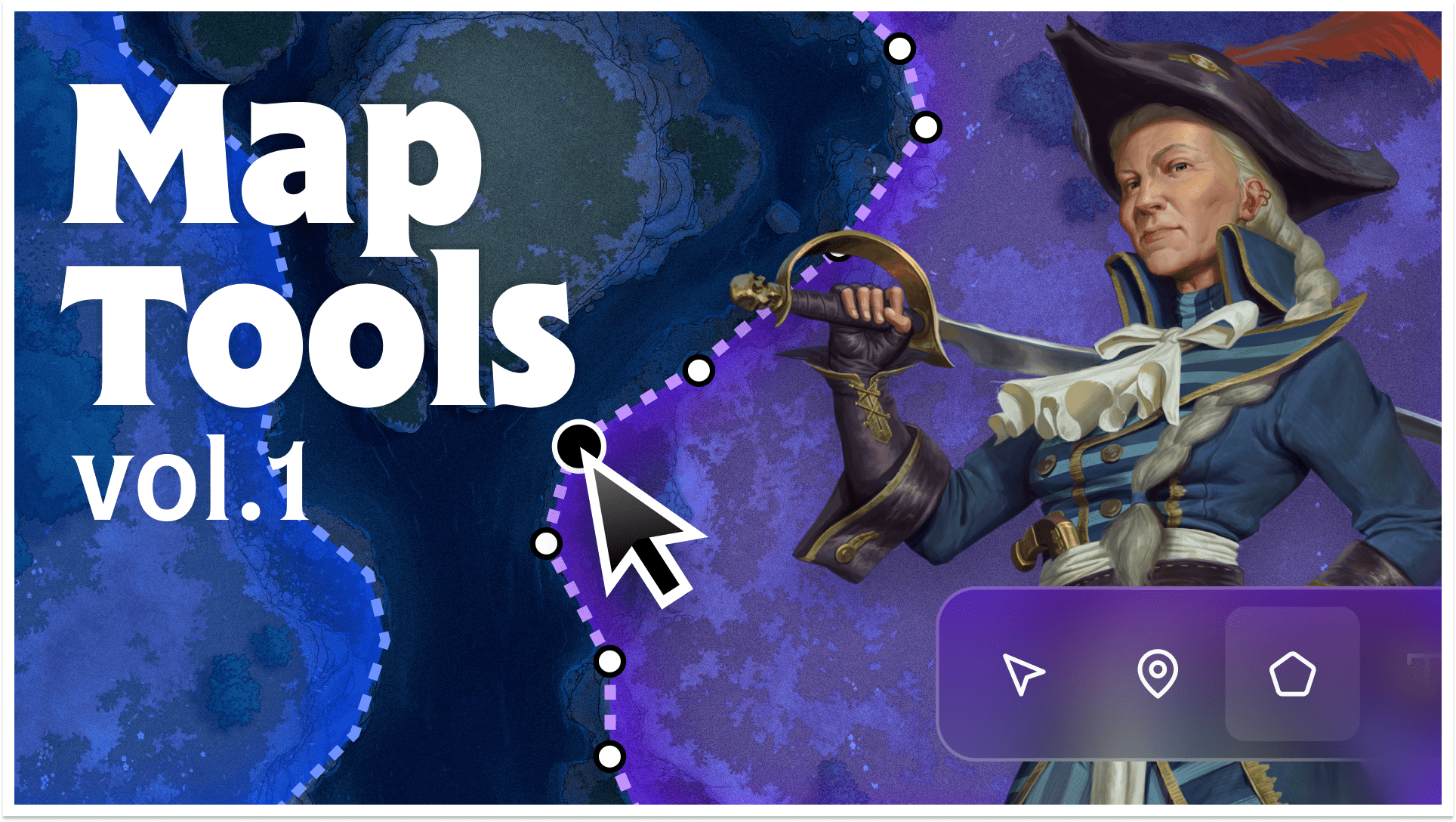
For years, LegendKeeper maps have been simple: Drop a pin. Write some lore. But we've always known maps could do so much more. Today, we're shipping a completely rebuilt map tool with regions, paths, labels, measuring, fantasy navigation, and real-time multiplayer cursors.
You can still just drop a pin, but you have many more options now. 📍

Regions let you outline kingdoms, territories, biomes, or anything else with customizable fills, strokes, and labels. See the area and perimeter of any region when your map is calibrated. Hold Ctrl while drawing to snap region borders to existing shapes—LK will automatically "borrow" the border of an adjacent region, so you don't have to trace it twice.
Paths catalog your roads, rivers, and trade routes with styled lines and labels that appear dynamically at different zoom levels, just like Google Maps. Once calibrated, paths display their real-world distance.
Labels give you floating text with different colors, fonts, and sizes. Perfect for naming mountain ranges, seas, or anything that doesn't need a pin.
Just like pins, all of these new map objects are linkable to your wiki pages. You can now control what zoom levels they show up at, too.
Fantasy navigation
I didn't originally intend to add this feature, but once I added paths and distance calibration, I couldn't help myself. To my surprise, this has been the smash hit of the update so far!

Activate navigation mode and LK will calculate traveling directions using your named paths and pinned landmarks. Set a custom travel speed to see how long a journey will actually take.
Calibrate once by measuring any known distance on your map, and LK handles the rest, including a dynamic scale bar in the bottom-left corner.
Maps embedded everywhere

The new map embed block lets you reference maps directly on wiki pages or the right sidebar. When a page has a corresponding pin on the map, the embed automatically centers on that location. You can hit the edit button to modify the viewport for that particular block, allowing you to highlight different parts of the map.
We also gave the asset manager some new life: It now exists as a sidebar to your project, making dragging and dropping images easy. Additionally, it can now pull in images from Pinterest and Unsplash.
Everything else
This update touches nearly every part of LegendKeeper. For a detailed changelog, see the update post here.
Start mapping
The map tool update is live now for all LegendKeeper users.
If you've been waiting to organize your world's geography, territories, and travel routes, it's time to get to work! Upload a map, draw some regions, chart some paths, and see what your world looks like when it's truly connected.
We can't wait to see what you create.
— TEAM LK